안전결제 보장
|
전상품 무료배송
|
매일 특가
고객센터 1800-8912
 88%
Choice
88%
Choice



배송 소요: 5~10일 (해외배송)
✓ 무료배송
7일 이내 교환/반품 가능
상품 하자: 무료 반품 + 전액 환불
단순 변심: 국제반품비 고객 부담




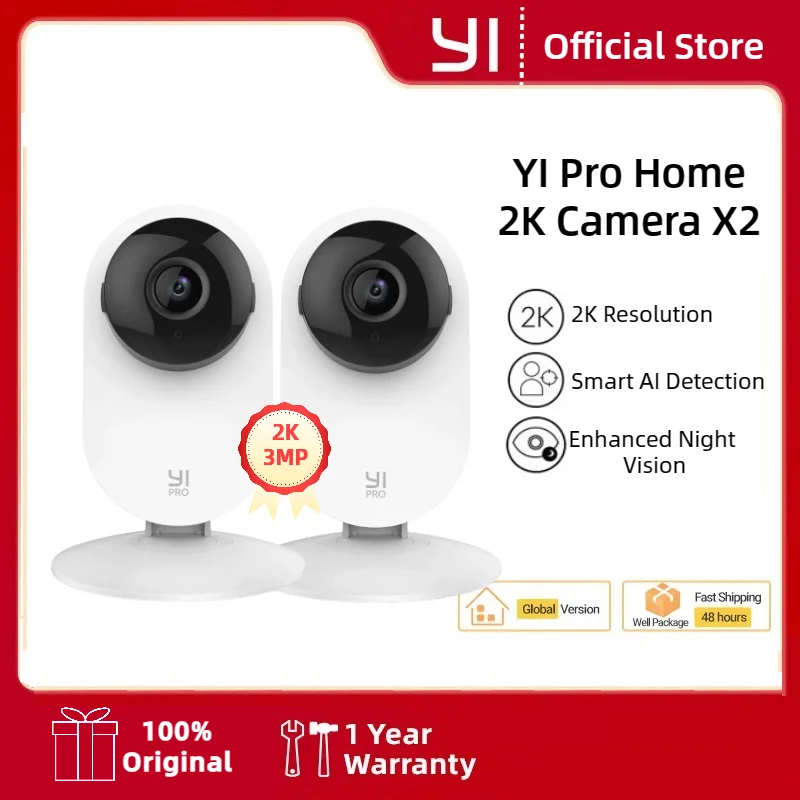
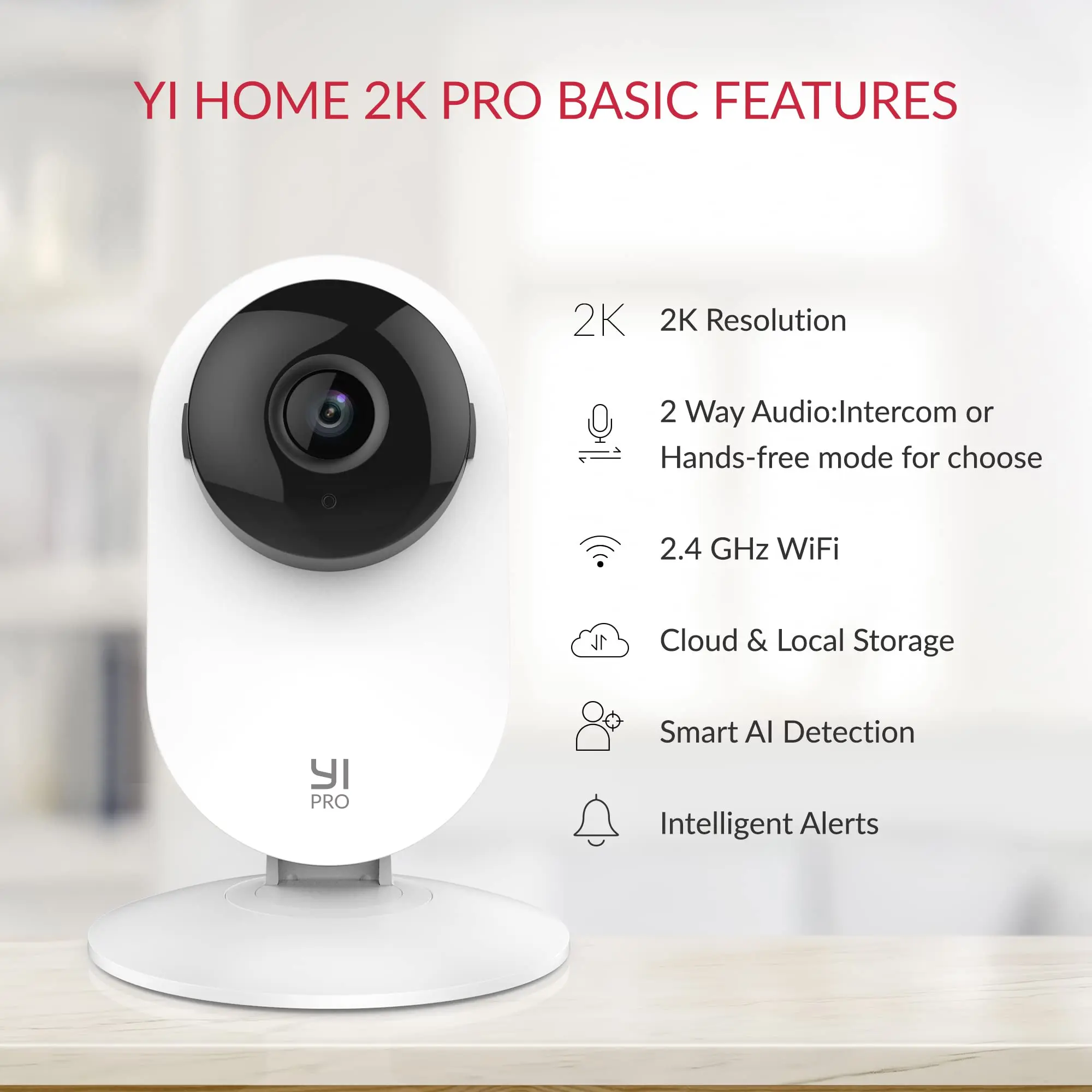
YI Pro 2K Home Security Camera: 2K&3MP Quality. Capture More Details
View every event in 2K super clear image quality so you see exactly what is happening inside your home. Upgraded 3 million pixels, up to 2304 x 1296 resolution, for clarity in every angle.

Smart AI Detection
YI cloud storage comes with the latest in Smart AI capabilities which can distinguish Person, Vehicle, or Animal accurately and reduce false alarms significantly (Subscription Needed)

Enhanced Night Vision
Equips with 940-nm infrared lights, a high-sensitivity image sensor and F1.9 large aperture lens, YI 2K home camera captures detailed images even in low-light conditions.

Local SD Card and Cloud Storage
Store your data and recordings locally with an extra SD card (not included) or in the cloud. YI Cloud offers loop-recording with no storage limit, so even if your camera is stolen or damaged, your footage will still be secure and accessible on the cloud.

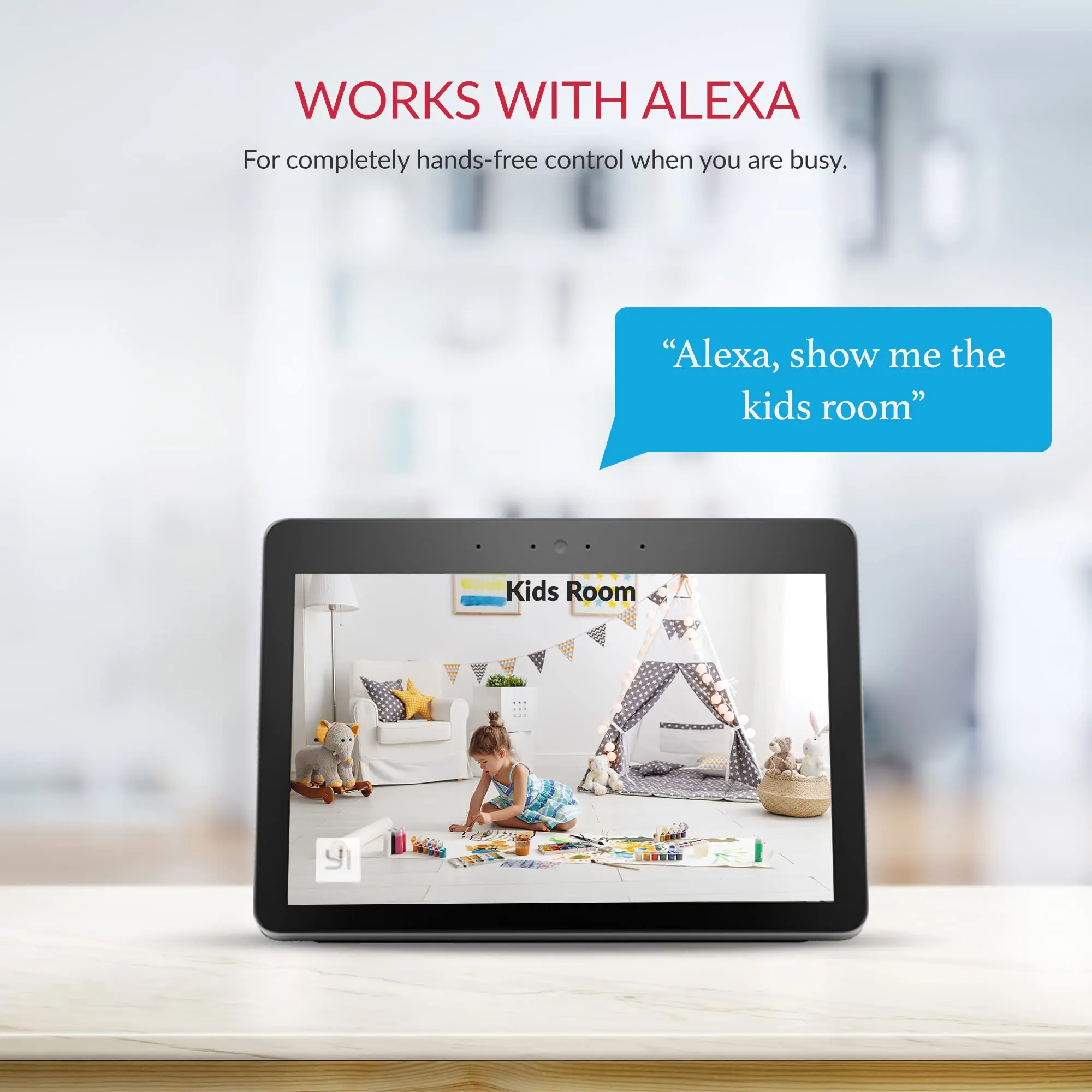
Compatible With Alexa and Google Assistant
Use your voice command to turn on YI camera for home security or view your camera live stream on Echo Show or any screen-based Alexa device or Google Chrome Cast.

Large Field of View

Activity Zone
Only receive alerts when motion detected in the set zone.

Home and Away Modes
A setting to control phone push notifications turn and off, no disturb when you are home.

Setting Up Your Camera With YI Home App
1.Install YI Home App and create a YI Home Account
2.Power your camera on and click the icon on the upper right corner in YI HOME app to add your camera
3.Select your Wi-Fi network and enter your Wi-Fi password, then select Connect to Wi-Fi
4.Scan the QR Code shown on the app, then select Next once the QR Code has scanned
5.Select Save, then select Start using to finish pairing
6.If connection failed, please push the Reset button and try again

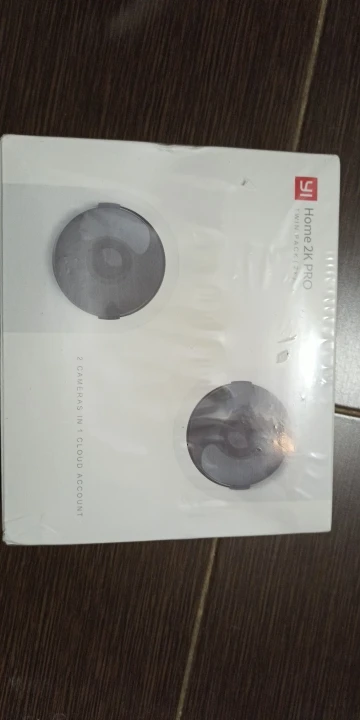
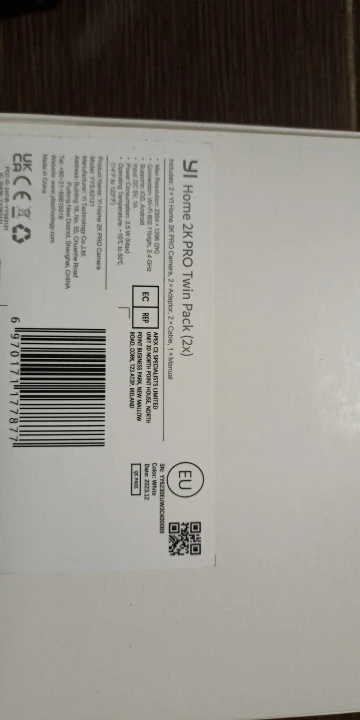
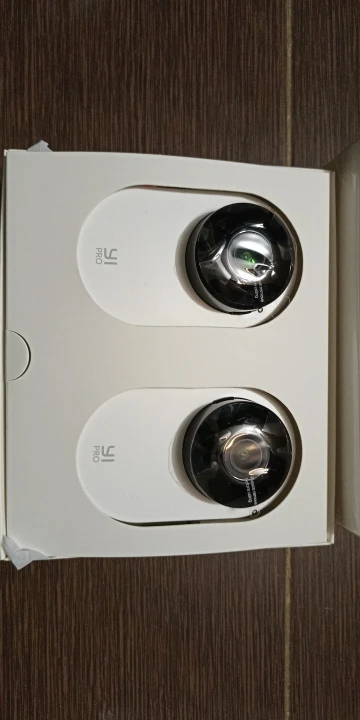
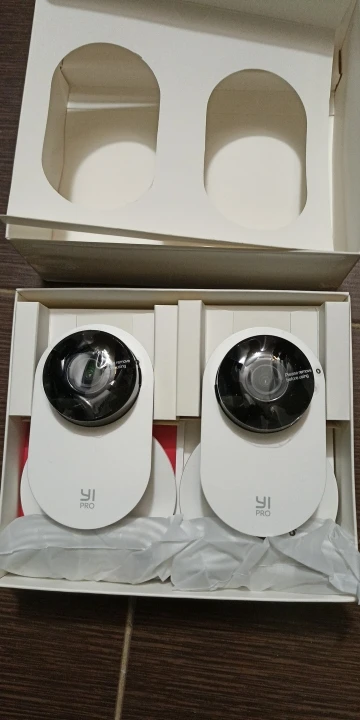
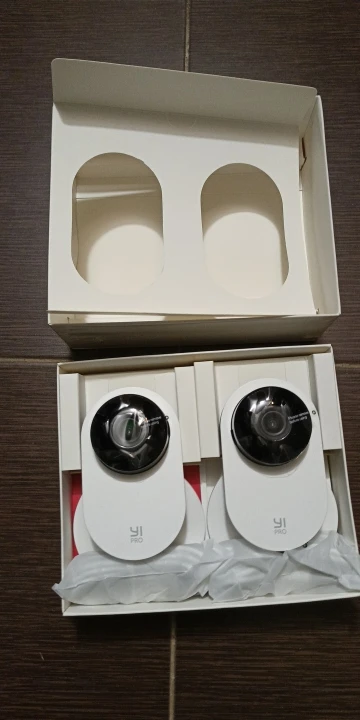
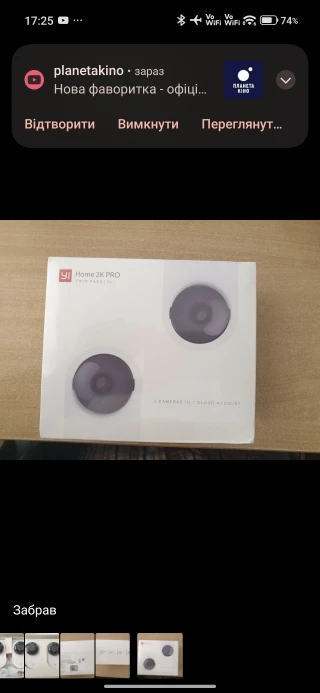
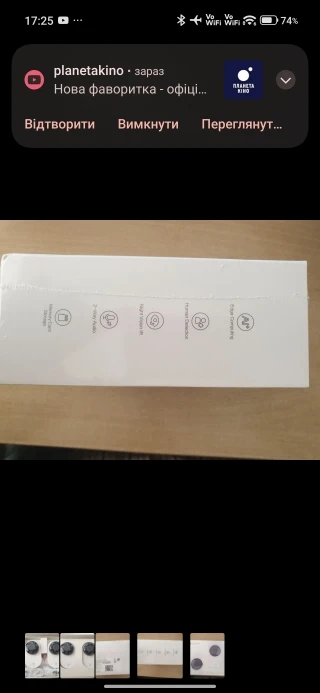
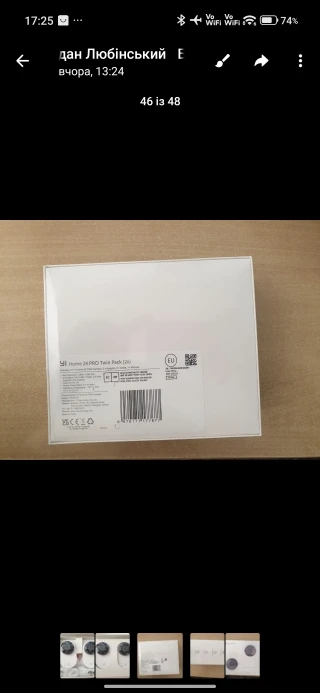
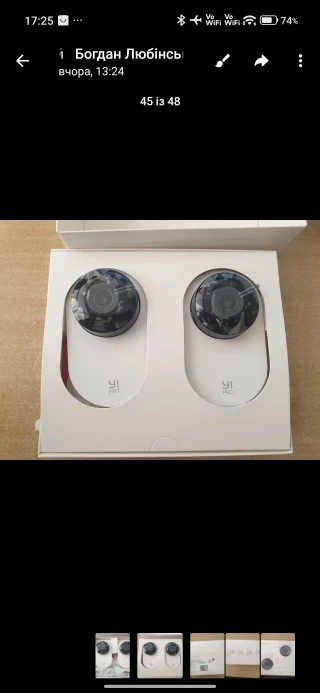
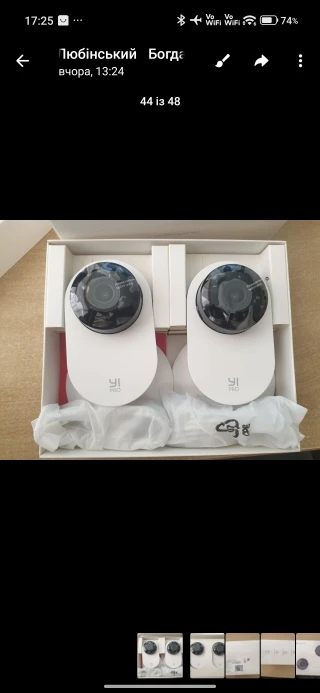
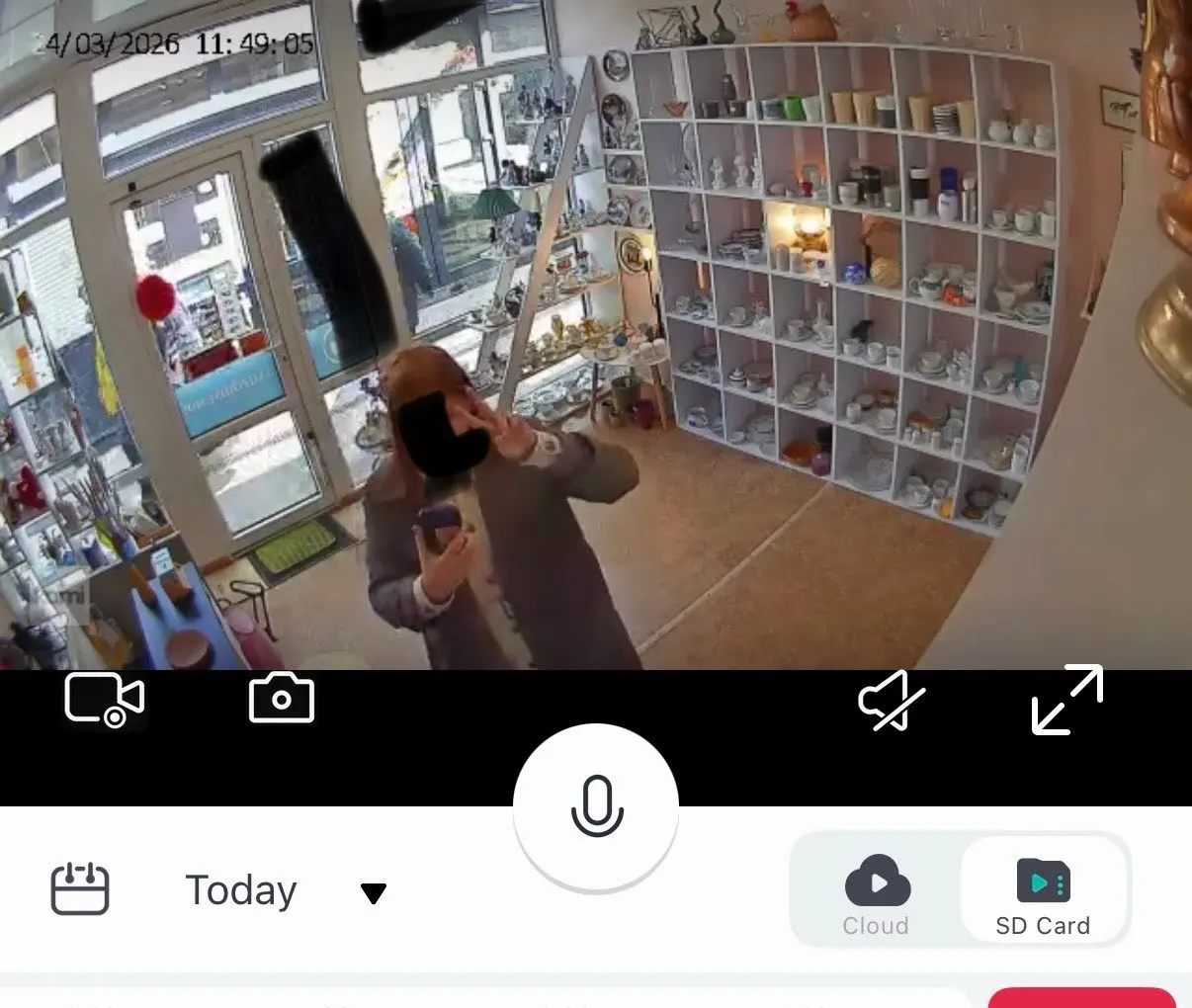
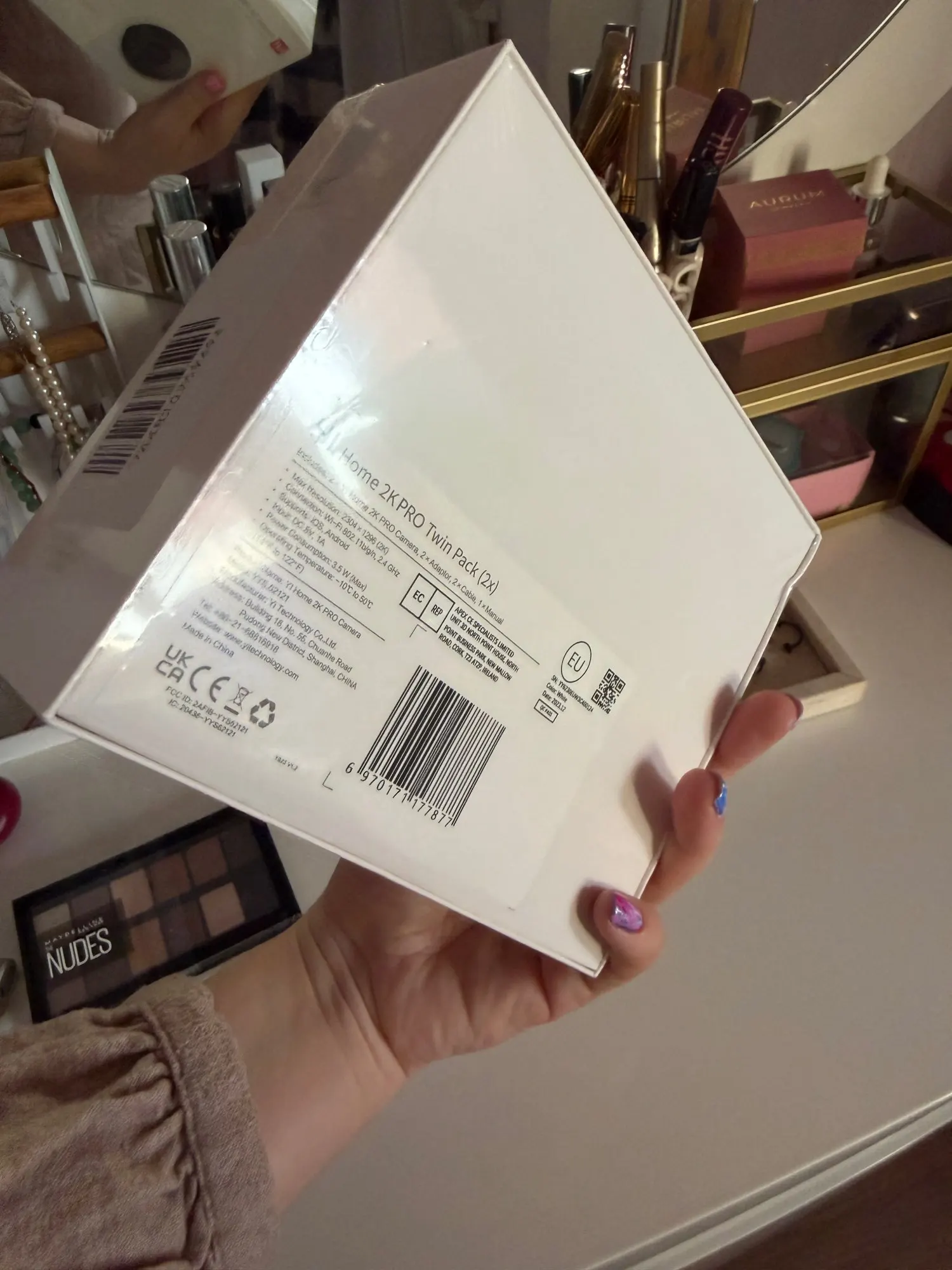
가격 대비 좋은 카메라입니다. 이전에 구매한 적이 있는데... 품질이 매우 훌륭합니다. 할인과 코인을 활용해서 2개 세트를 4달러에 구매했습니다. 포장도 훌륭해서 선물용으로 완벽합니다.
그래서 저는 3가지 기준으로 제품과 판매자를 평가합니다. 1). 품질. 설명과 일치 +. 2). 포장. 제품이 손상 없이 도착 +. 3). 배송 속도 +.
카메라가 빠르게 도착했고, 포장 상태도 좋습니다. 설치와 설정도 빠르게 마쳤고, 사용법도 어렵지 않습니다. 클라우드 저장 공간 등을 구매하지 않으면 화질은 더 나빠집니다. 앱에서 자사 제품을 홍보하는 것은 당연한 일입니다. 하지만 전반적으로 기능은 잘 수행하며, 모션 센서도 있습니다. microSD 카드에 녹화할 수도 있습니다.
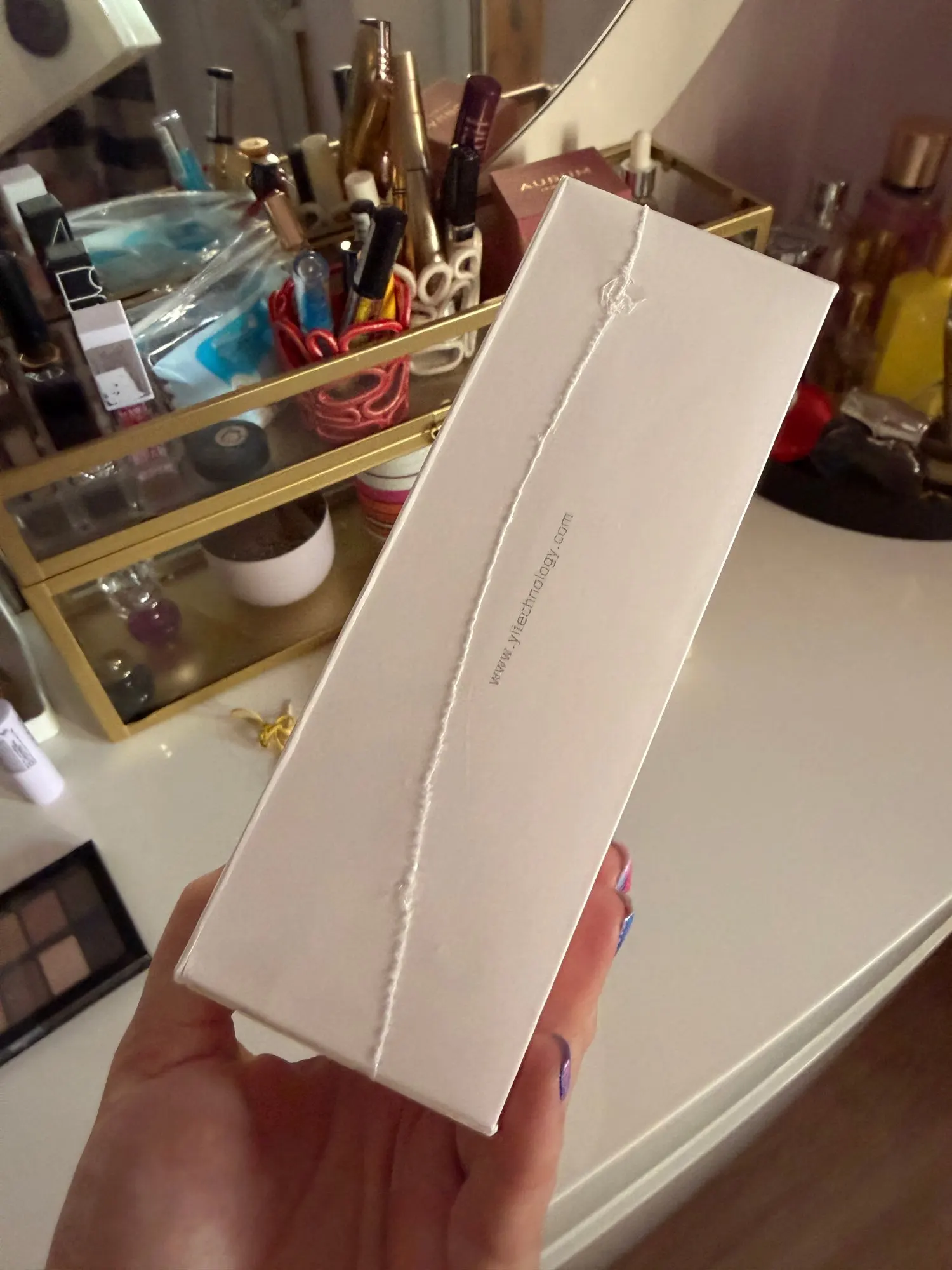
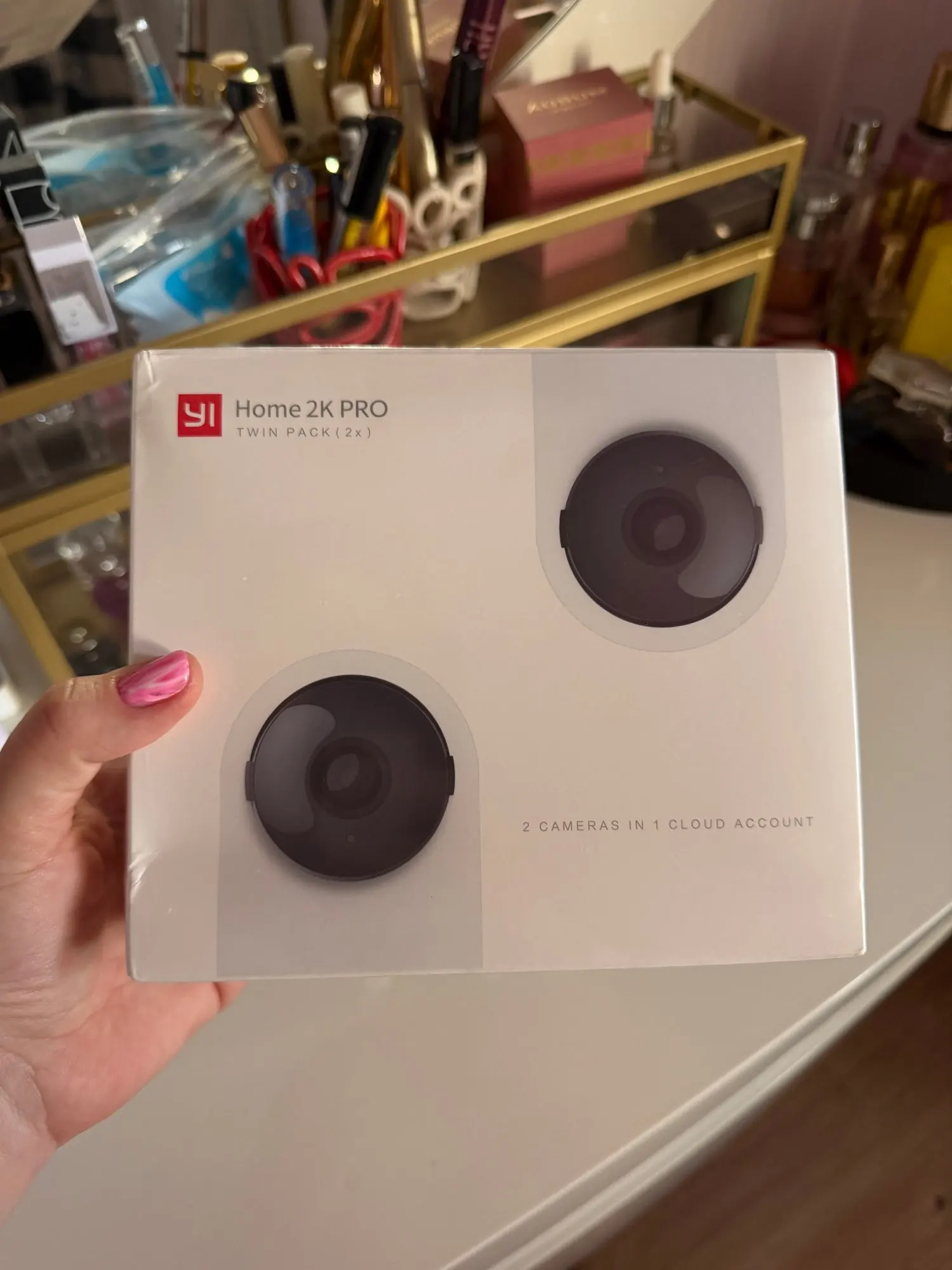
나쁘지 않은 카메라입니다. 좋은 할인가로 구매했는데, 두 개에 약 400 UAH 정도 들었습니다. 마이크로 SD 카드를 삽입해서 클라우드 없이 사용할 수 있습니다. 설정에서 동작 감지 녹화를 설정해두니, 유리창을 통해 마당을 녹화합니다.
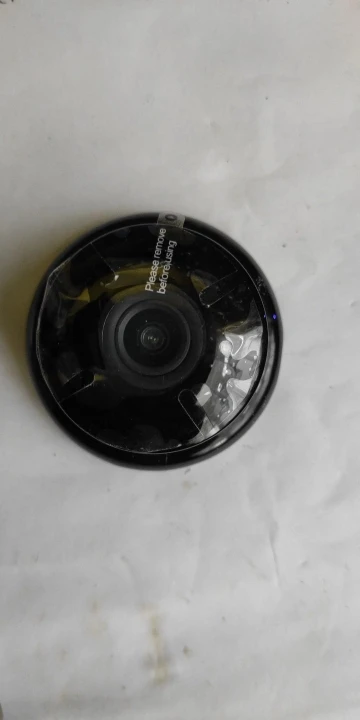
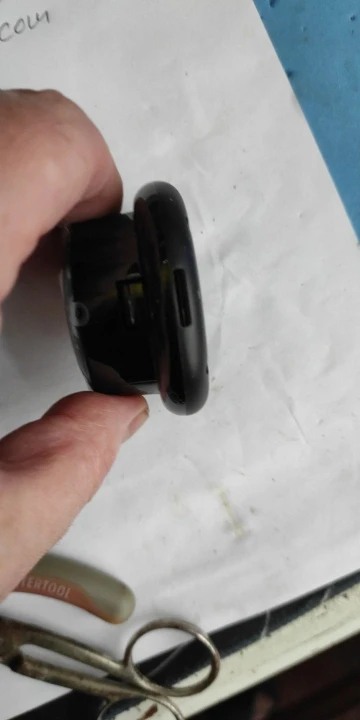
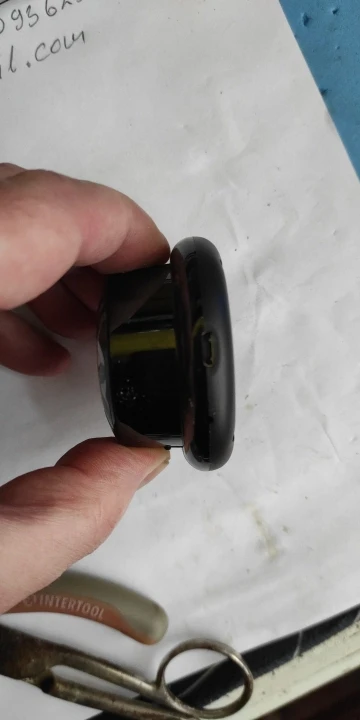
카메라에 완전히 만족합니다. 11달러(한 쌍)에 이 정도 품질이면 훌륭합니다. 기본 앱은 쓰레기 같은 수준이고 계속 돈을 요구해서 Yi Life를 사용합니다. 감사합니다! 러시아 악당들만 빼고 모두에게 행운을 빕니다.
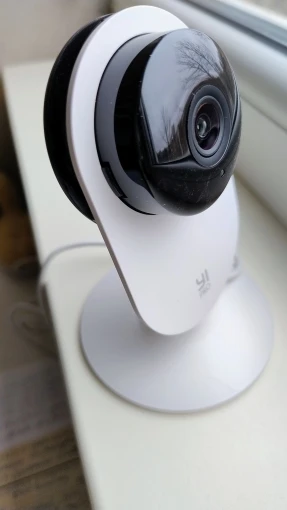
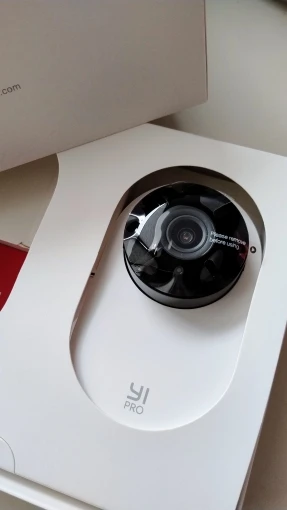
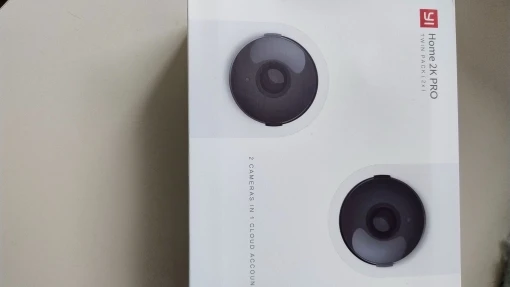
전에 이미 구매한 적이 있는데, 이번에는 좋은 가격에 두 개를 다시 구매하고 있습니다.
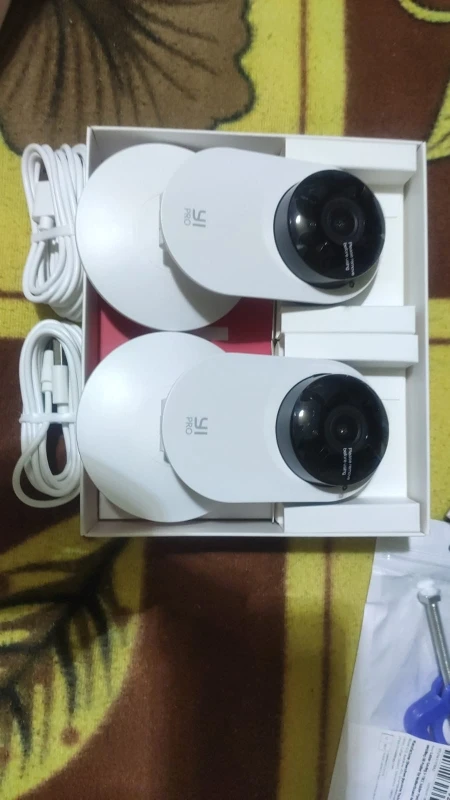
설명된 내용과 모두 일치하지만, 앱에 구독이 필요한 점이 아쉽습니다. 재설치가 가능한 것 같습니다.
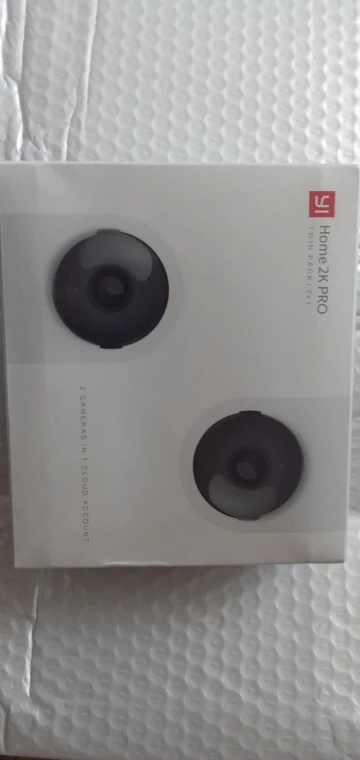
키예프까지 배송이 빨랐고, 우크로포스타를 통해 11일 만에 도착했습니다. 손상 없이 잘 도착했습니다. 모든 기능이 잘 작동하지만, 마켓 앱에서는 구독 없이 HD 화질로 전환할 수 없습니다. 이전 버전과 최신 버전을 다운로드해 보니 구독 없이 HD 화질로 작동합니다. 관심 있으신 분은 6.8.2_20251128041956을 참고하세요.
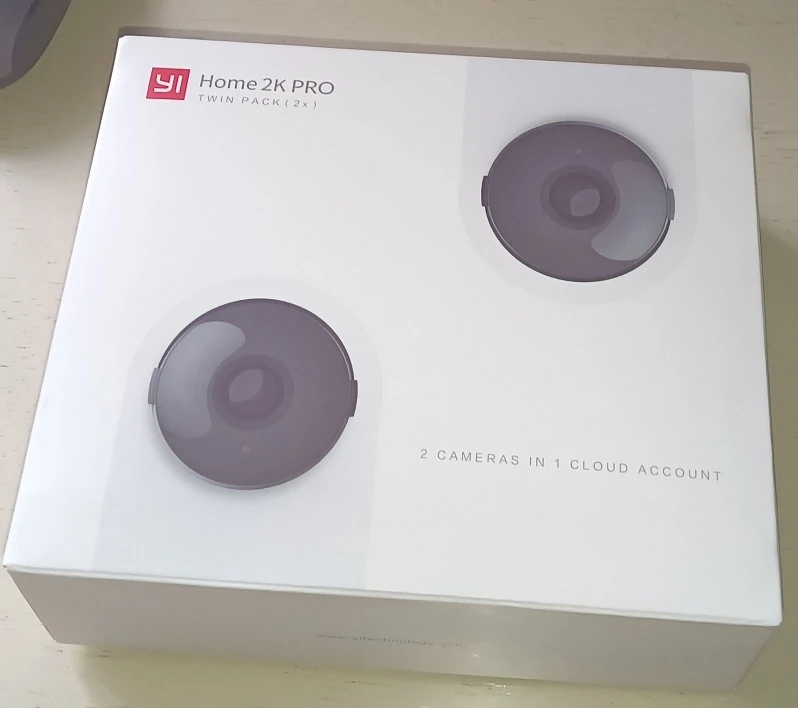
마이크로 USB 케이블
매우 길다
카메라를 아주 빠르게 설치했습니다.
모든 것이 완벽하게 포장되었습니다.
시야각이 매우 넓습니다. 거의 물고기 눈과 같아
배율도 꽤 괜찮습니다. 품질이 매우 우수합니다.
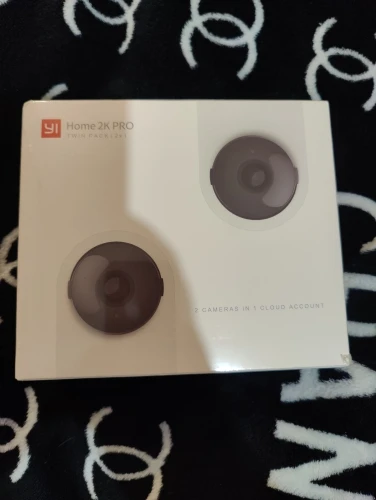
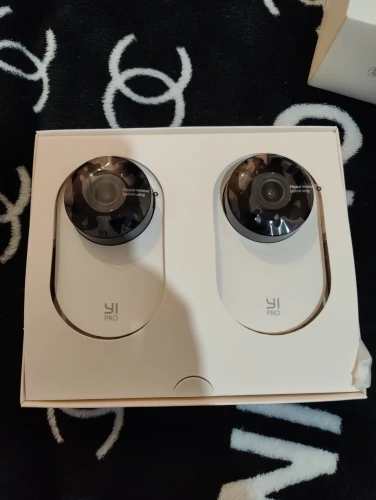
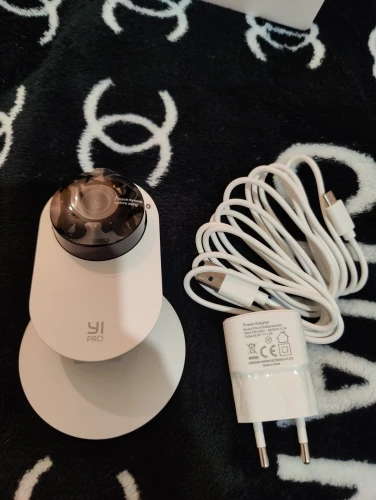
배송이 빠르고, 도착도 빨랐으며, 품질도 좋습니다. 가격도 저렴합니다. 야간 사진 촬영 성능도 꽤 괜찮습니다. 앱에 구독 요청이 좀 거슬리지만, 없이도 사용할 수 있습니다. SD 카드를 삽입해야 합니다.
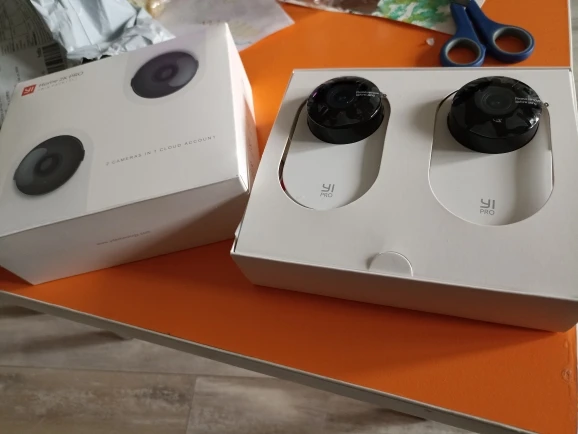
모든 것이 완벽합니다.
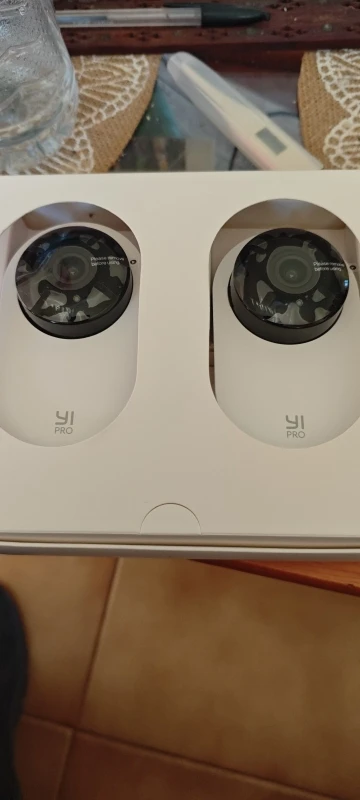
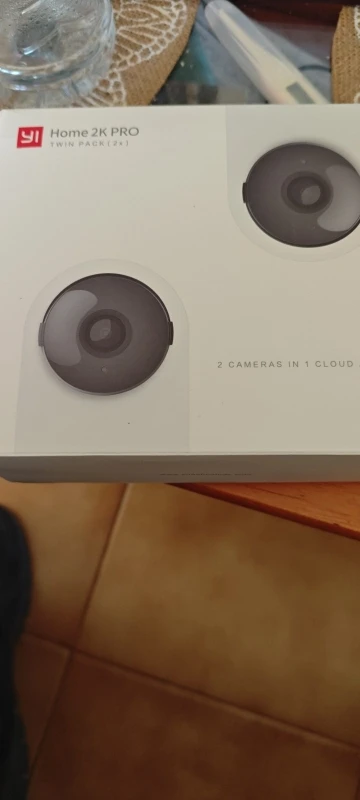
배송이 빠르고, 도착도 빨랐습니다. 저렴한 가격에 꽤 괜찮은 카메라 2대입니다. 야간 투시 기능도 잘 작동합니다. 구독 없이도 일반적인 사용에는 충분한 성능을 보여줍니다. USB 메모리를 삽입해야 합니다. 전력 소모가 매우 적습니다.
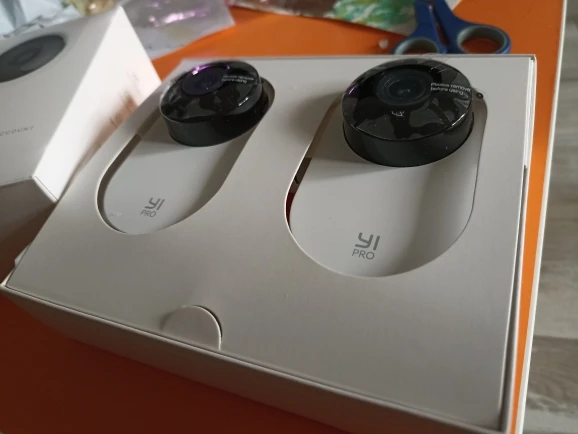
배송이 빨랐습니다. 포장도 꼼꼼하게 잘 되어 왔습니다. 판매자님 추천합니다.
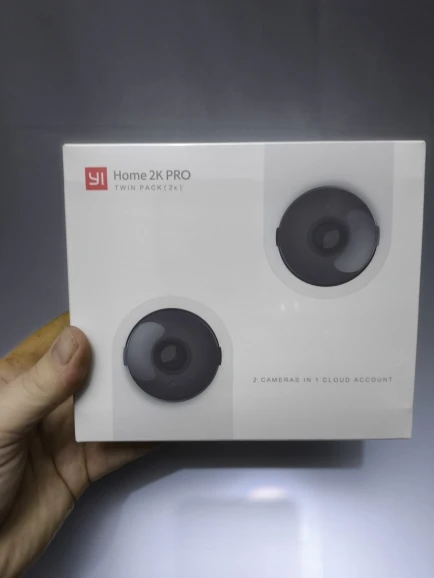
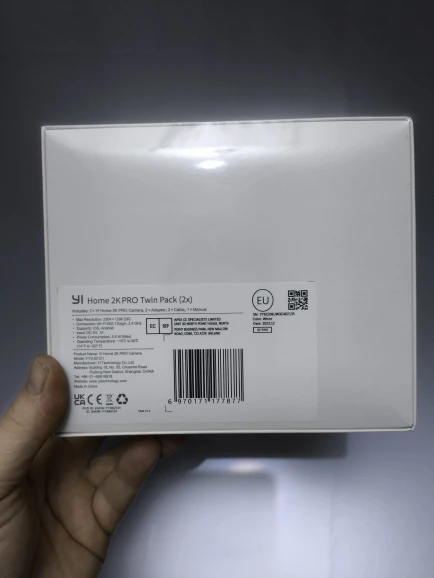
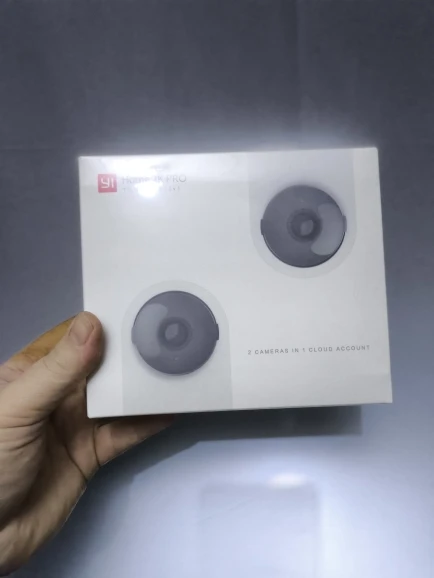
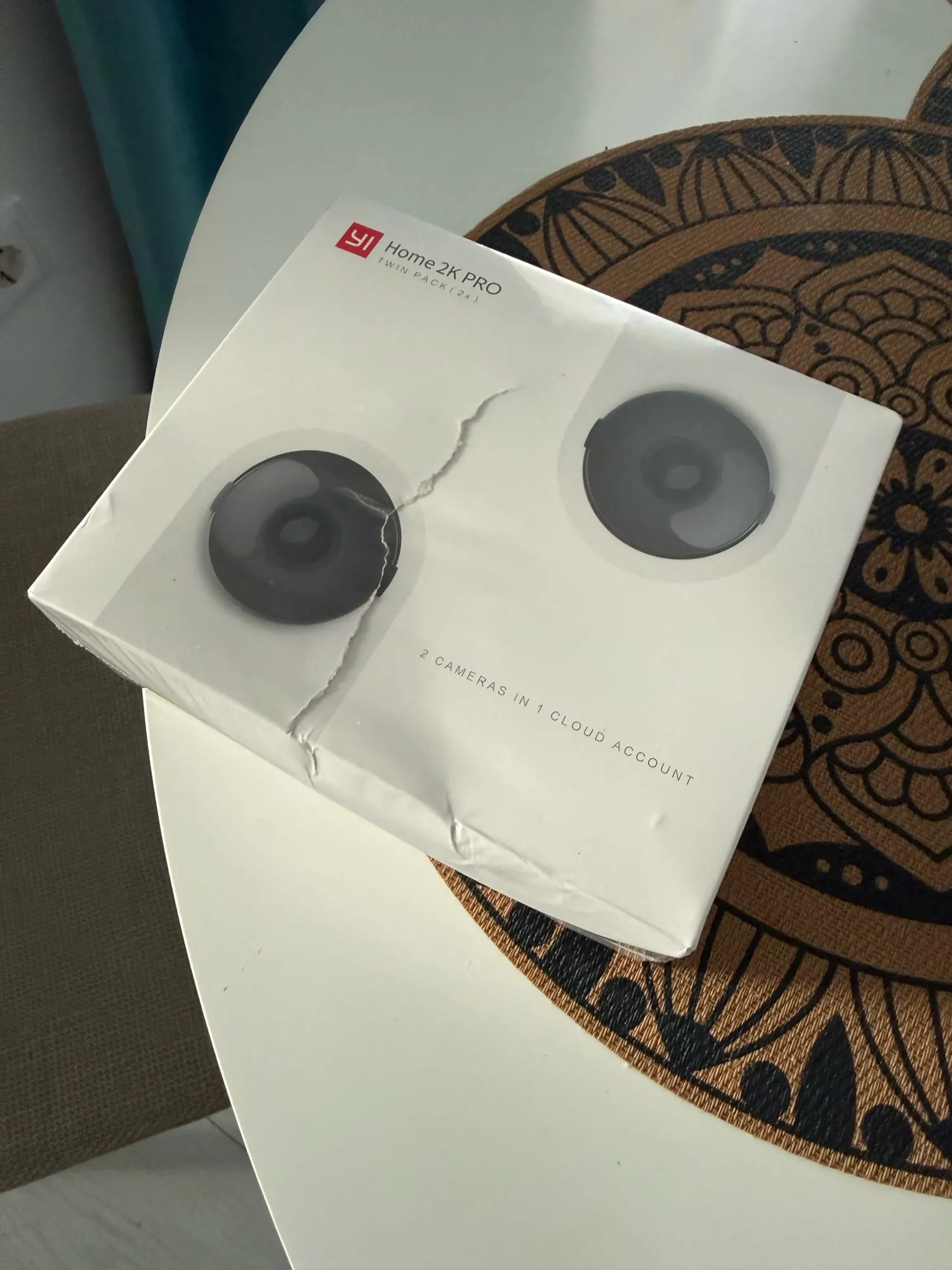
포장 상태가 찌그러지고 찢어진 채로 도착했습니다. 기능에는 영향을 미치지 않았습니다. 또한 장치 자체에는 손상이 없습니다. 카메라 자체는 평범한 수준이지만, 클라우드 저장 공간 비용이 만만치 않으니 SD 카드를 미리 구매하시는 걸 추천드립니다.
이 카메라들은 낮과 밤 모두 매우 뛰어난 성능을 보여줍니다.
간단한 연결과 설정이 가능해서 추천합니다.
멋진 카메라. 그들의 앱을 사용하면 동영상을 다운로드할 수 없고, 시청만 할 수 있습니다. 구독 없이는 온라인 방송 시청 시간이 제한된다는 메시지가 계속 뜨지만, 아직 한 번도 작동이 멈춘 적은 없습니다. 이 앱은 이 카메라보다 더 비싼 월간 구독 서비스를 적극적으로 홍보하는데, 이는 단점입니다. 하지만 GitHub에서 제공하는 Yi-Hack 펌웨어로 쉽게 다시 플래싱할 수 있으며, 카메라는 SSH 및 RTSP 스트림을 통해 접근 가능하고, 모든 NVR이나 Home Assistant에 연결할 수 있습니다. 그 정도 가격이라면 모션 센서 대신 사용할 수 있습니다.
판매자님께 감사드립니다. 배송이 매우 빨랐습니다.
배송이 매우 빠르고, 성능에 문제가 없기를 바랍니다. 구매를 추천합니다.
주문 결제 후 10일 만에 제품이 우크라이나에 도착했습니다. 가격 대비 품질이 매우 훌륭합니다. 판매자와 제품을 추천합니다.
작동도 잘 되고 설치도 간편합니다. 앱도 완벽하게 작동해서 강력 추천합니다.
해외배송 상품으로 배송에 5~10일이 소요됩니다.
전상품 무료배송입니다.
상품 하자/오배송: 무료 반품 + 전액 환불
단순 변심: 국제반품비 고객 부담
수령 후 7일 이내 교환/반품 신청 가능
