안전결제 보장 | 전상품 무료배송 | 매일 특가
고객센터 1800-8912
안전결제 전상품 무료배송 매일 특가
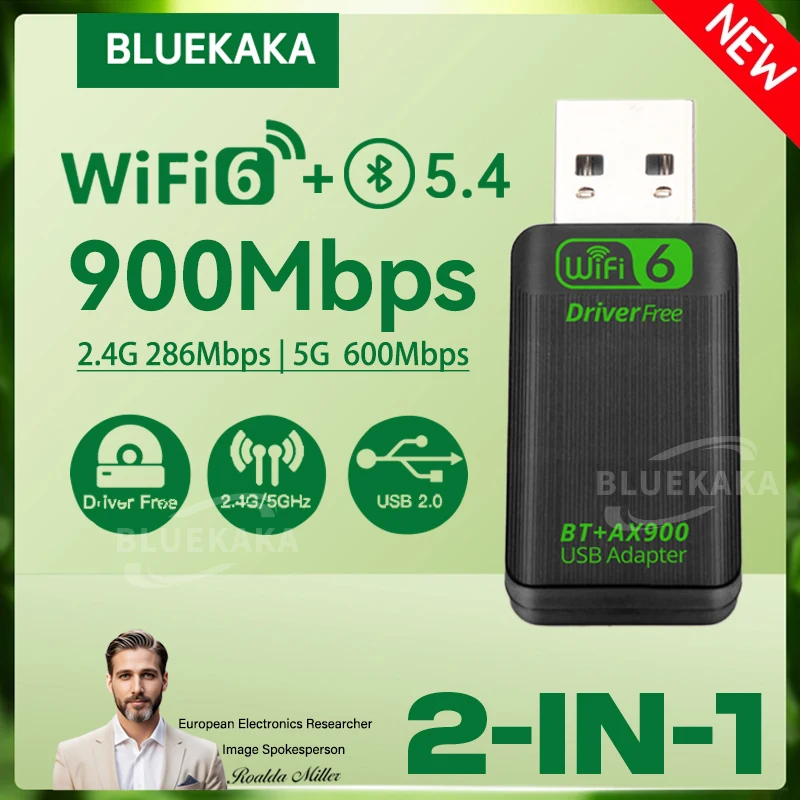
새로운 업그레이드 AX900 USB WiFi 6 Bluetooth 5.4 2in1 어댑터 듀얼 밴드 2.4G&5GHz 고속 무선 네트워크 Wlan 수신기 드라이버 무료 동글 PC 노트북 Win 10/11용
해외배송 5~10일 무료배송

새로운 업그레이드 AX900 USB WiFi 6 Bluetooth 5.4 2in1 어댑터 듀얼 밴드 2.4G&5GHz 고속 무선 네트워크 Wlan 수신기 드라이버 무료 동글 PC 노트북 Win 10/11용

42% 12,400 21,368원
★ 4.7 ·리뷰 985개 · 5천개 판매
색상 선택
수량
1
배송 안내

배송 소요: 5~10일 (해외배송)

✓ 무료배송

7일 이내 교환/반품 가능

상품 하자: 무료 반품 + 전액 환불

단순 변심: 국제반품비 고객 부담

간편결제
카카오페이 삼성페이 SSGPay 페이코 토스
후기작성 포토후기 1,000원 / 일반후기 500원
PLS Note:
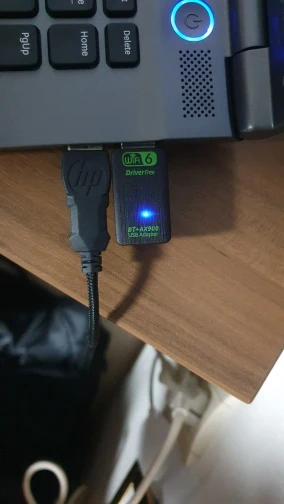
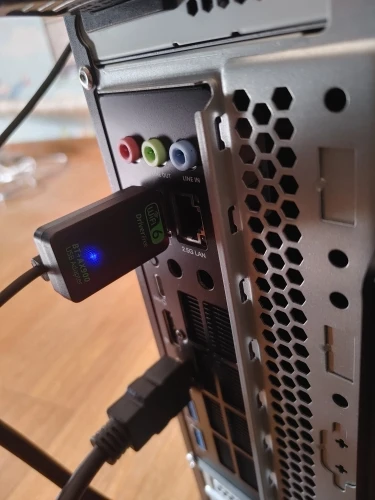
●We suggest you to insert WiFi USB Adapter into back USB port of your Computer,because usb port in the back can provide more power,The wifi wireless effect is more stable.(The USB interface on the front of some computer hosts may have insufficient power or is not supported)
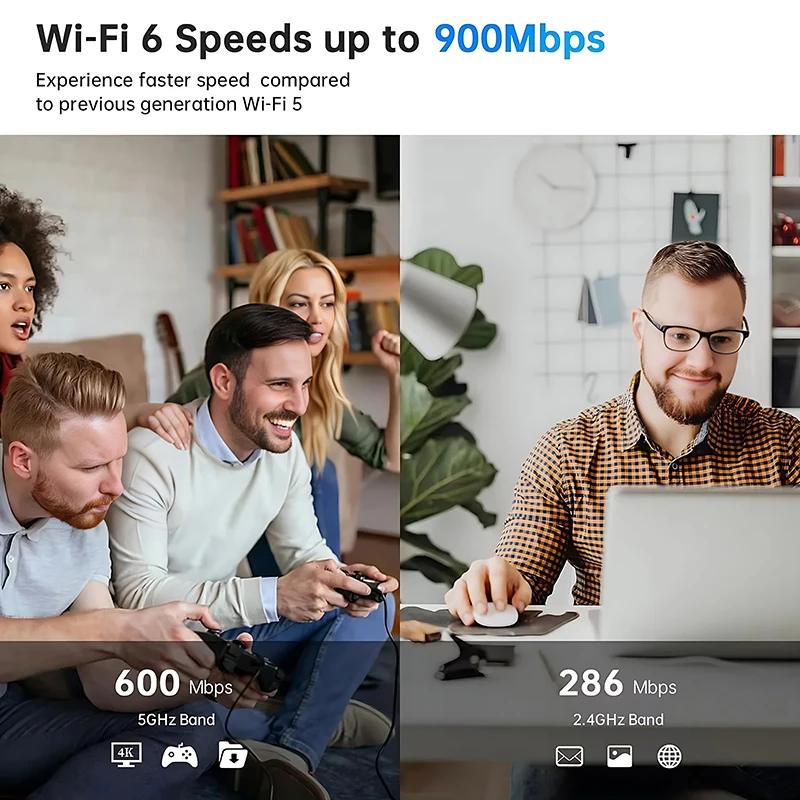
●The WIFI transmission rate of the wireless network card depends on the router and the working environment. It can support up to 900Mbps (2.4GHz 286Mbps+5GHz 600Mbps), so please make sure that your network bandwidth speed also supports 900Mbps.(Working with Wi-Fi 6 series routers will give you a smoother Internet experience.)
●When ejecting the “Wifi-driver(Wifi6_install.exe)”, you need to boot it. You must correct it or the adapter will never work properly.
●Bluetooth driver do not support Windows XP/VISTA /Mac.
●This product is not intended for use with Mac OS, car audio systems, or TVs.
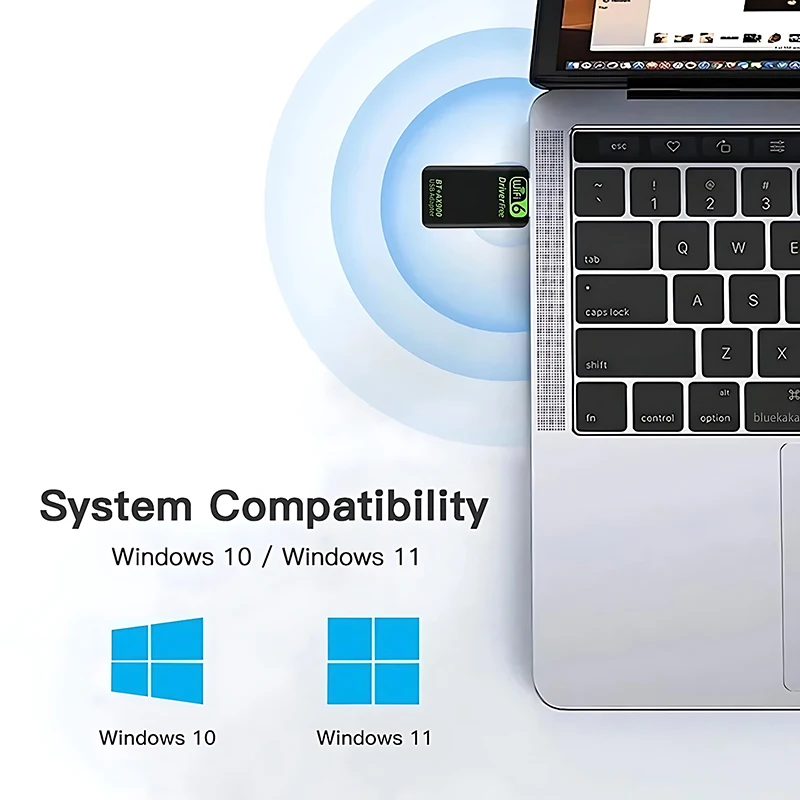
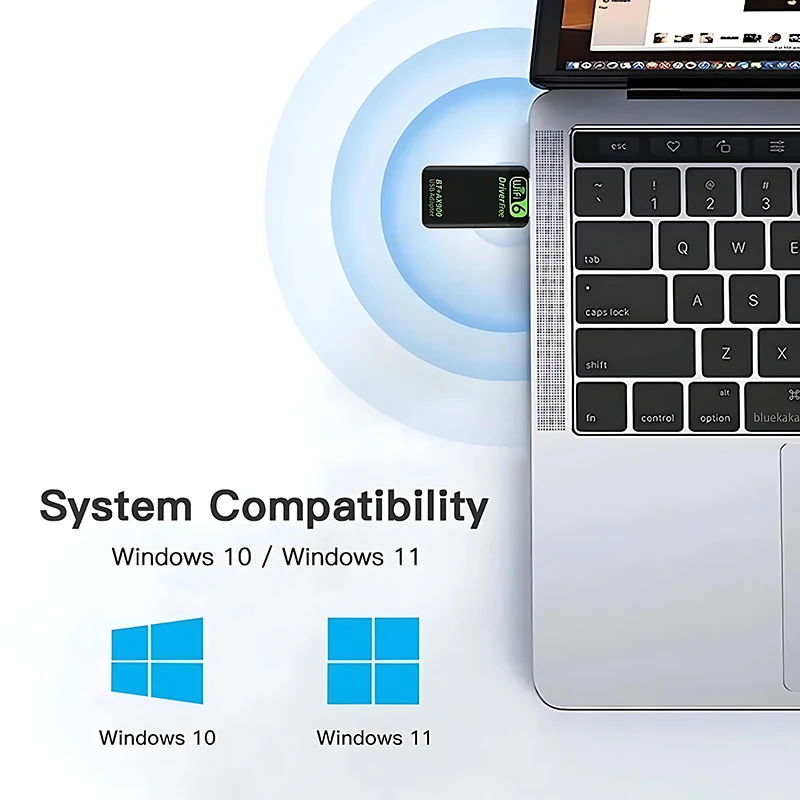
●Support System: Only Windows10/11(Not supported on other systems)
Product Features:
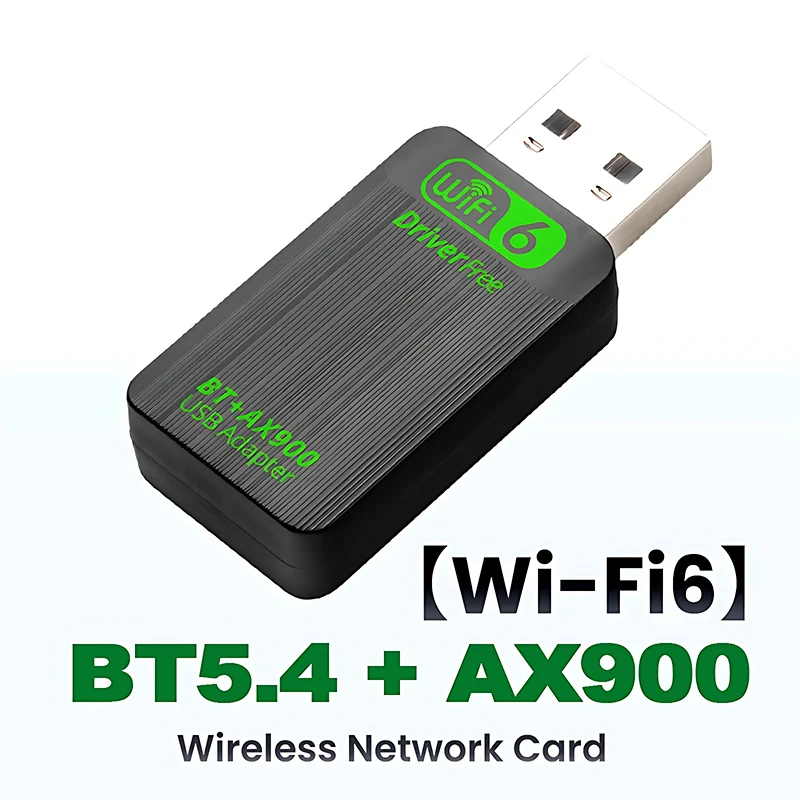
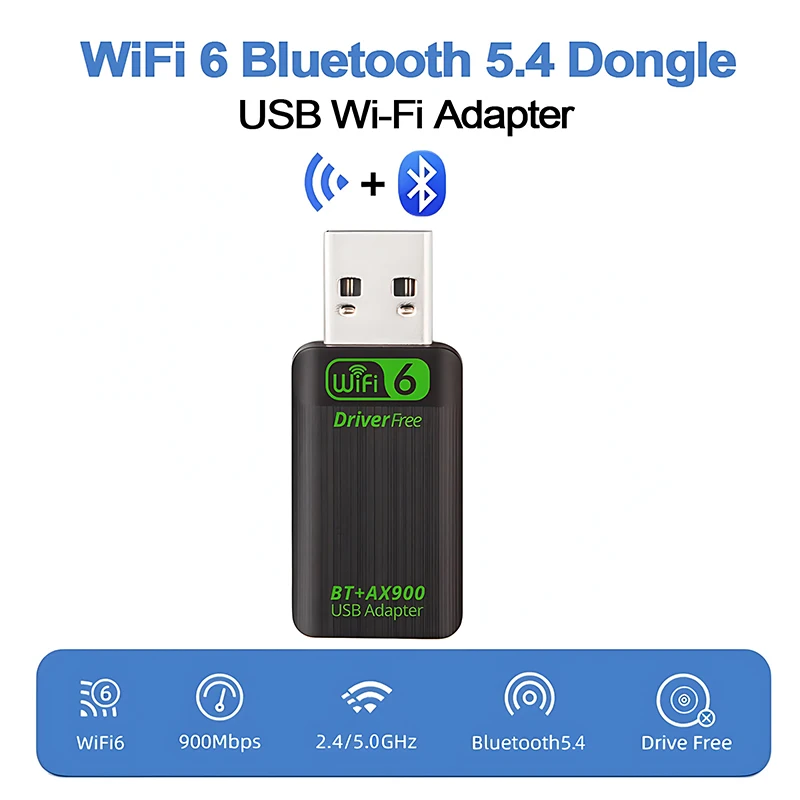
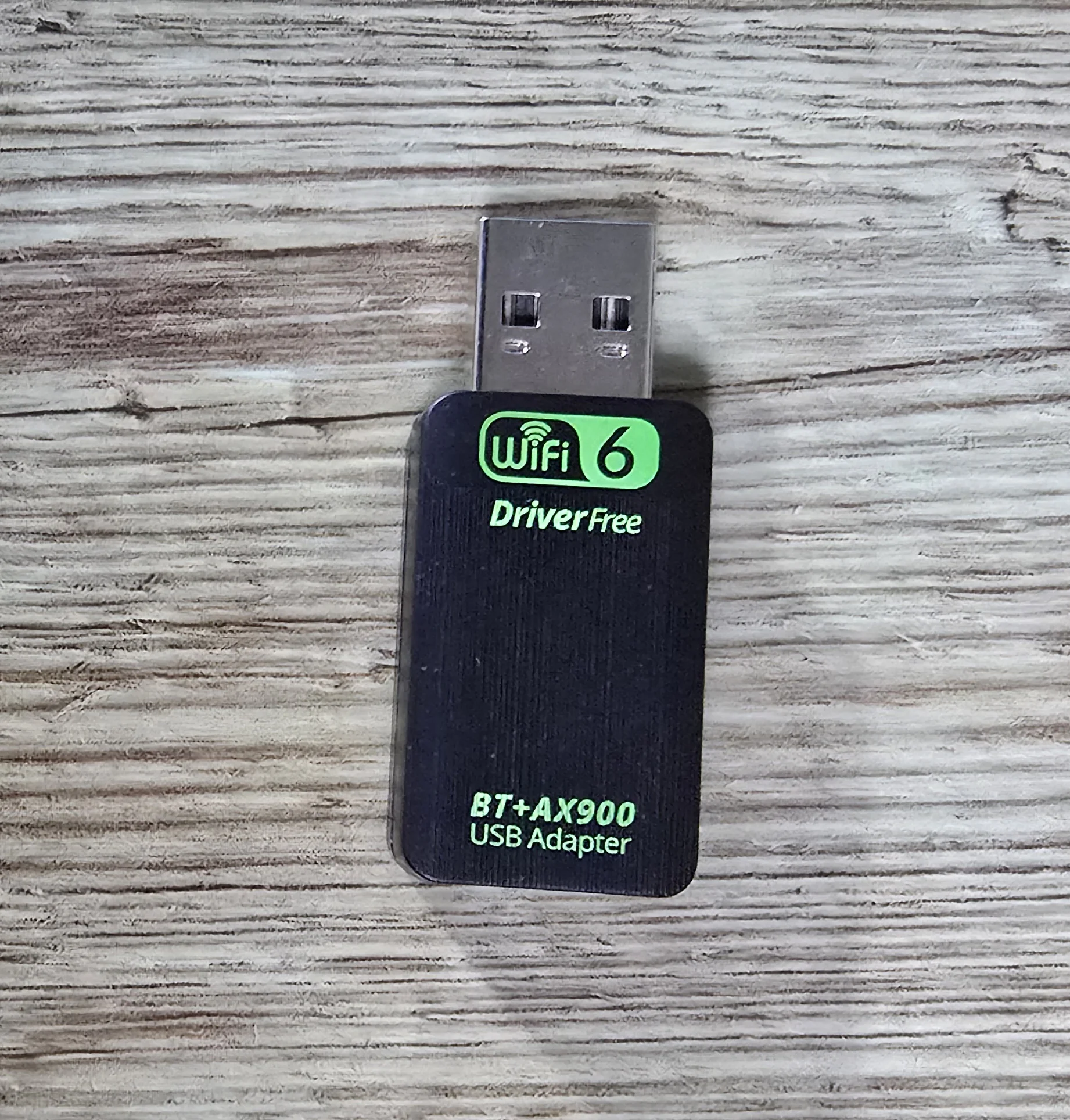
【★2 IN 1 WIFI6+Bluetooth 5.4】BLUEKAKA WIFI6 AX900+Bluetooth 5.4 USB Wifi Wireless Adapter, Suitable for wireless connection of desktop PCs and Laptop, providing convenient and fast wireless internet access; The network card supports automatic detection function and can automatically adjust the speed.

【★High-Speed WiFi Connection】Experience seamless internet connectivity with BLUEKAKA's 900Mbps USB WiFi Bluetooth adapter, ensuring high-speed data transmission for an optimal online experience.

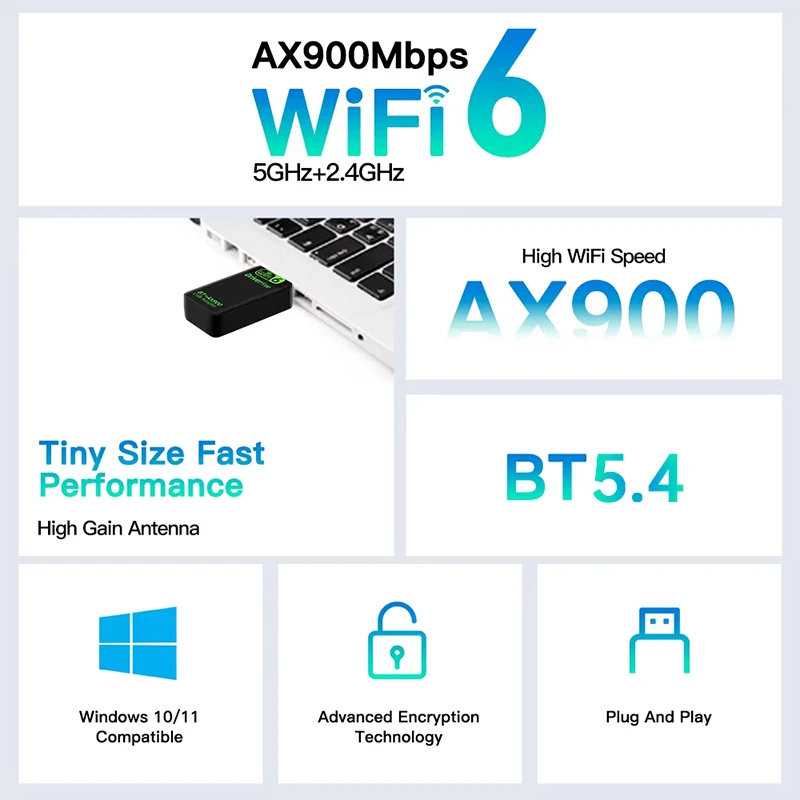
【★900Mbps Dual Band】Dual-frequency switching, supporting two working frequency bands of 2.4GHz and 5GHz,The dual-band wireless rate is up to 900Mbps (2.4GHz 286Mbps+5GHz 600Mbps), making online videos and games faster and smoother.

【★WiFi6 IEEE 802.1AX】The New generation of WiFi6 standard, Comply with IEEE 802.1ax, IEEE 802.11a/ac, IEEE 802.11b, IEEE 802.11g, IEEE 802.11n standards.

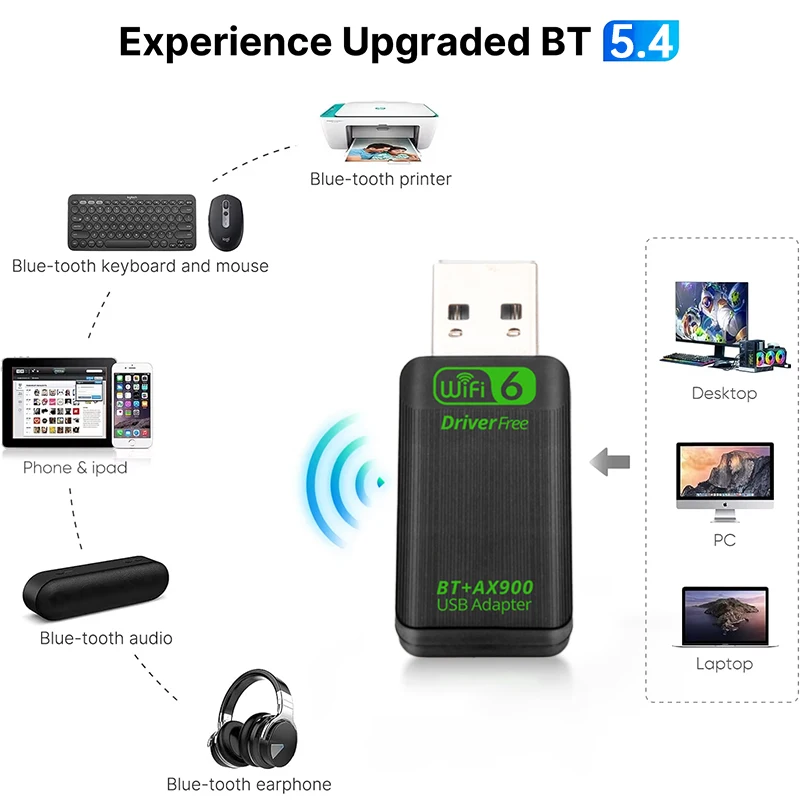
【★Bluetooth 5.4】New upgraded Bluetooth 5.4 version, supports Win10 and Win11 computer systems, lower power consumption, less latency, and can support multiple devices connected at the same time.(Warm Tips: Please do not connect too many devices to avoid software conflicts between used devices.)

【★WiFi Hotspot Sharing】Support WiFi Hotspot Sharing,Turn a computer with a network into a WiFi hotspot and connect multiple mobile phones and tablets at the same time.

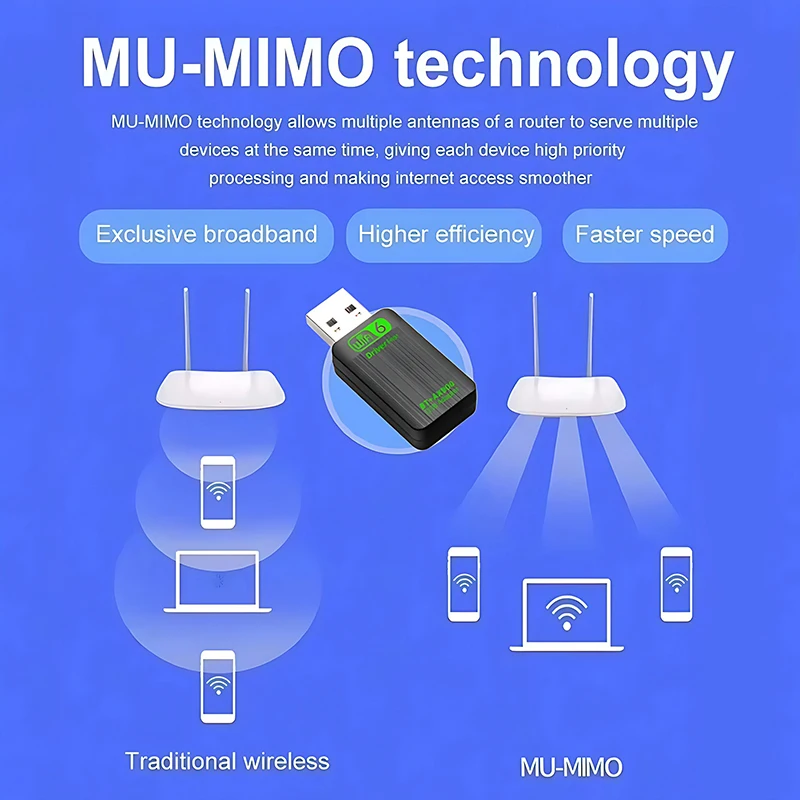
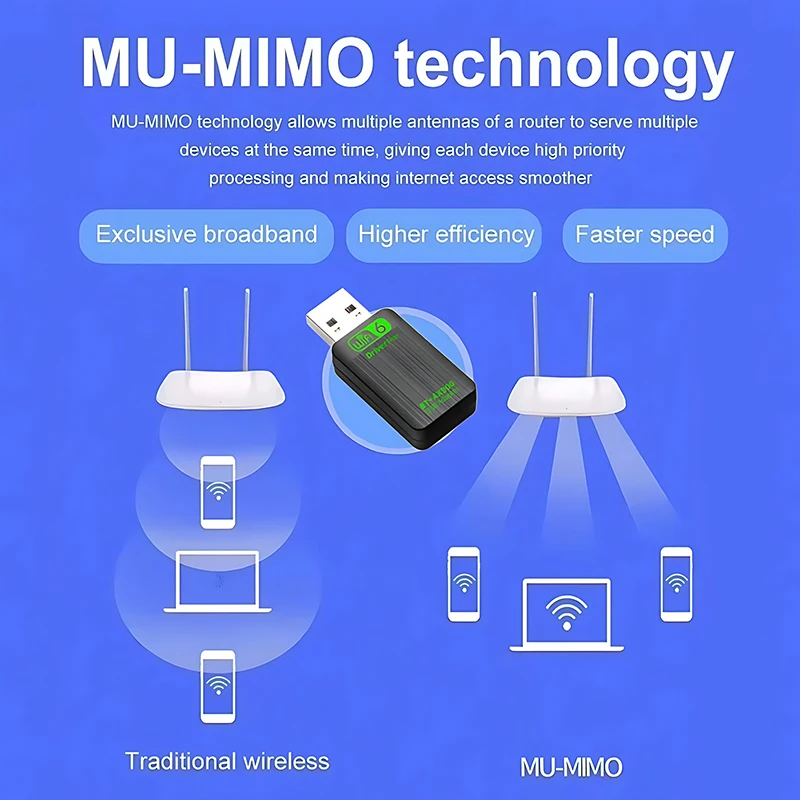
【★MU-MIMO Technology】Supports MU-MIMO multi-device connection to improve network efficiency.

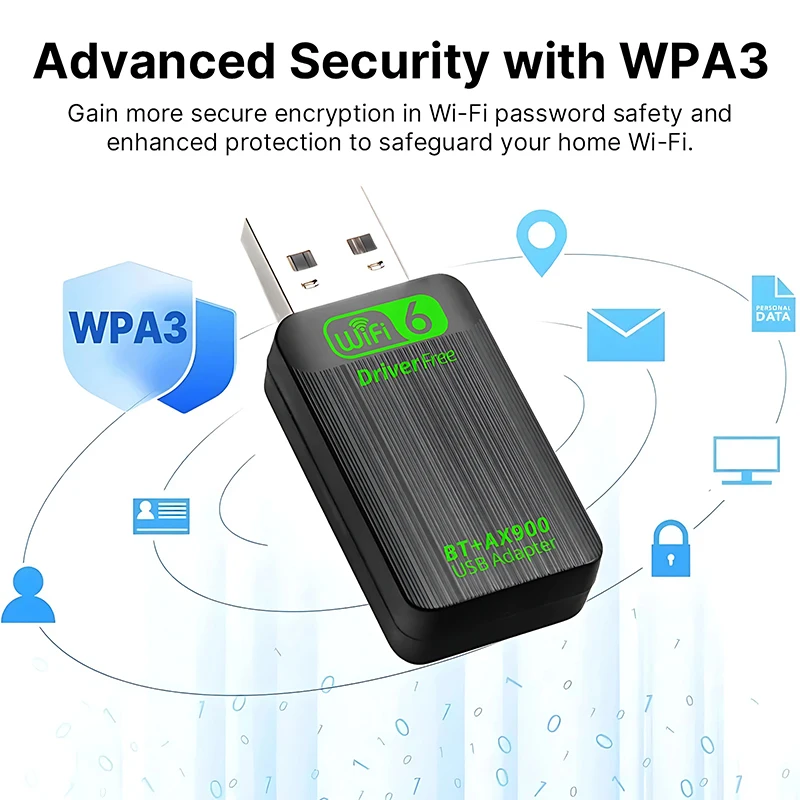
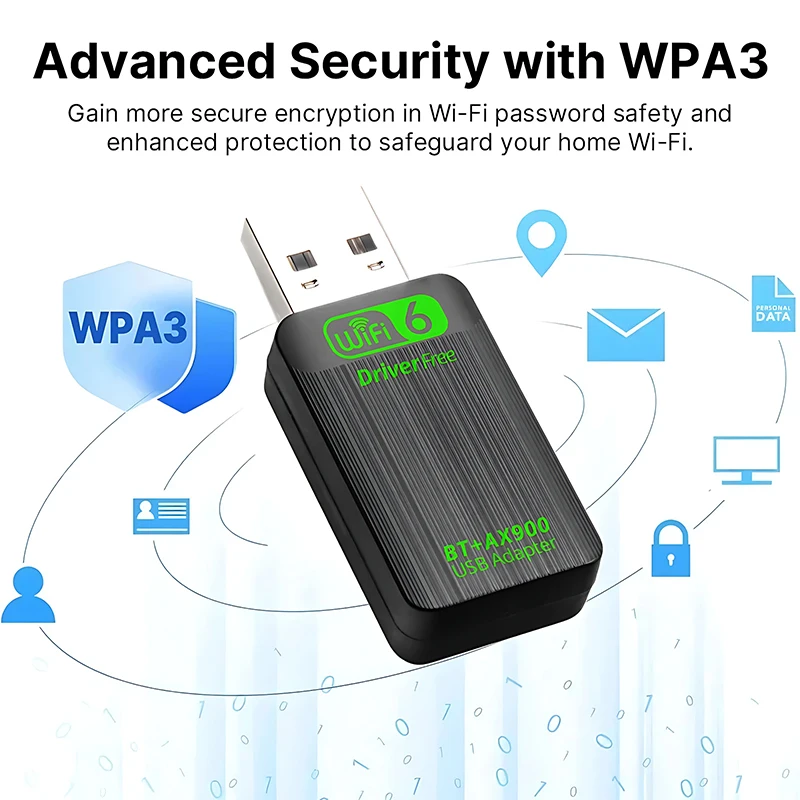
【★Safe Internet Access】Supports multiple data encryption modes such as WPA-PSK/WPA2-PSK/WPA/WPA2/WPA3 to protect user Internet data security.

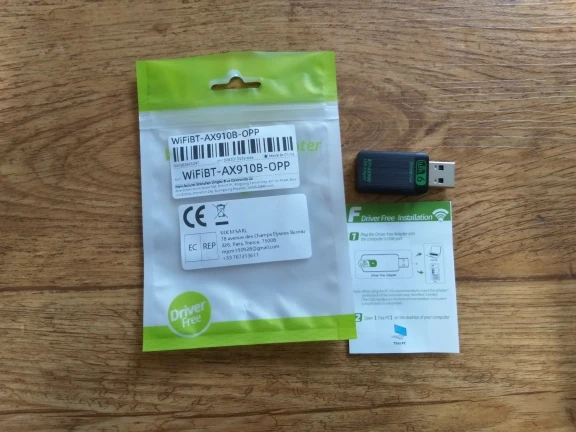
【★Driver Free】Built-in Wireless network card driver, no need for CD-ROMs, Optical drive, Plug in the computer can easily realize the installation of the driver, convenient and worry-free in one step.
Product Specifications:
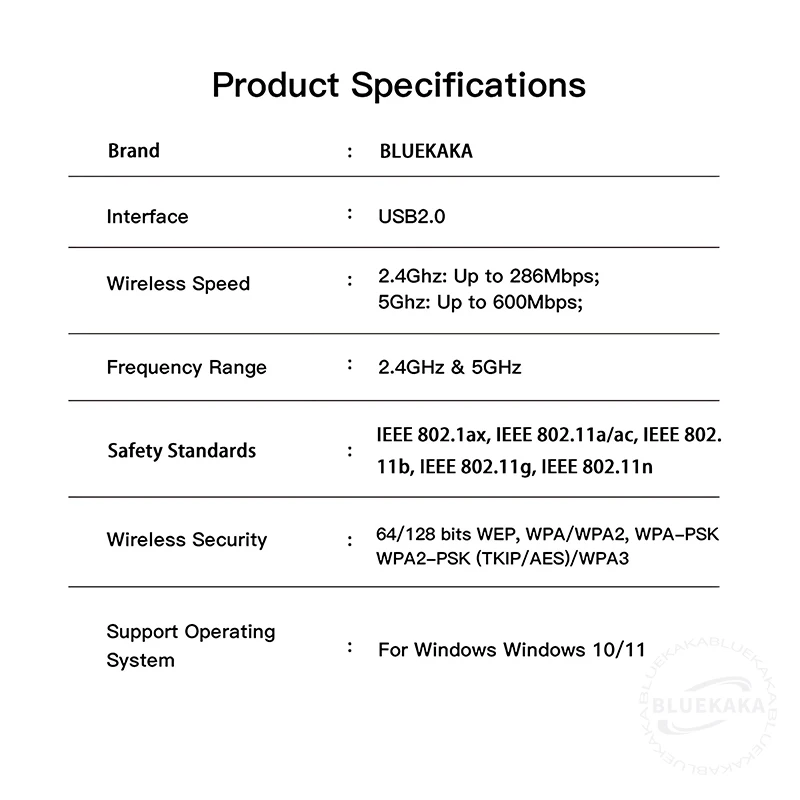
Product Brand: BLUEKAKA
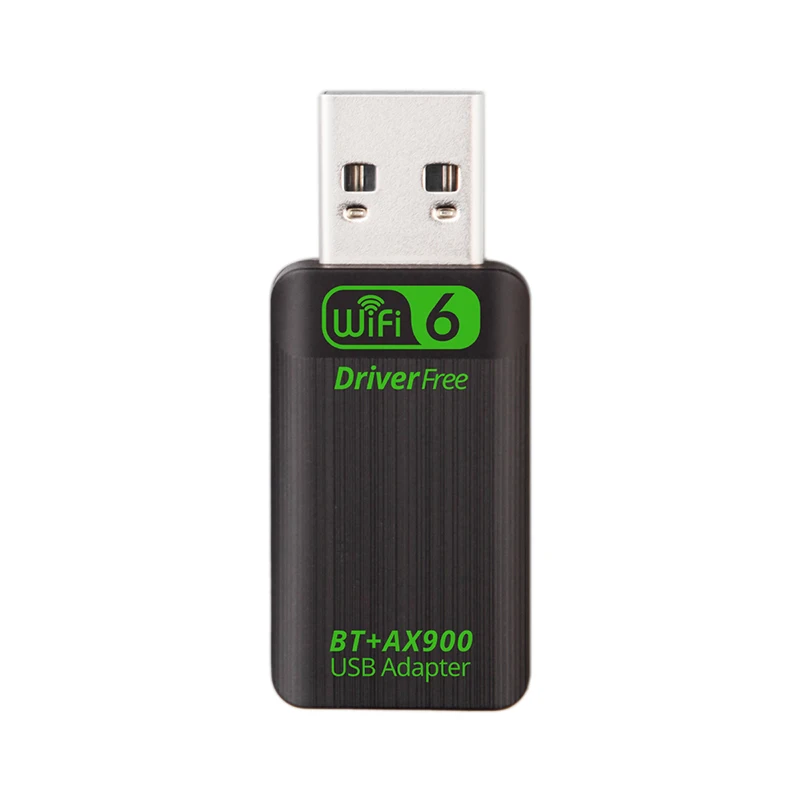
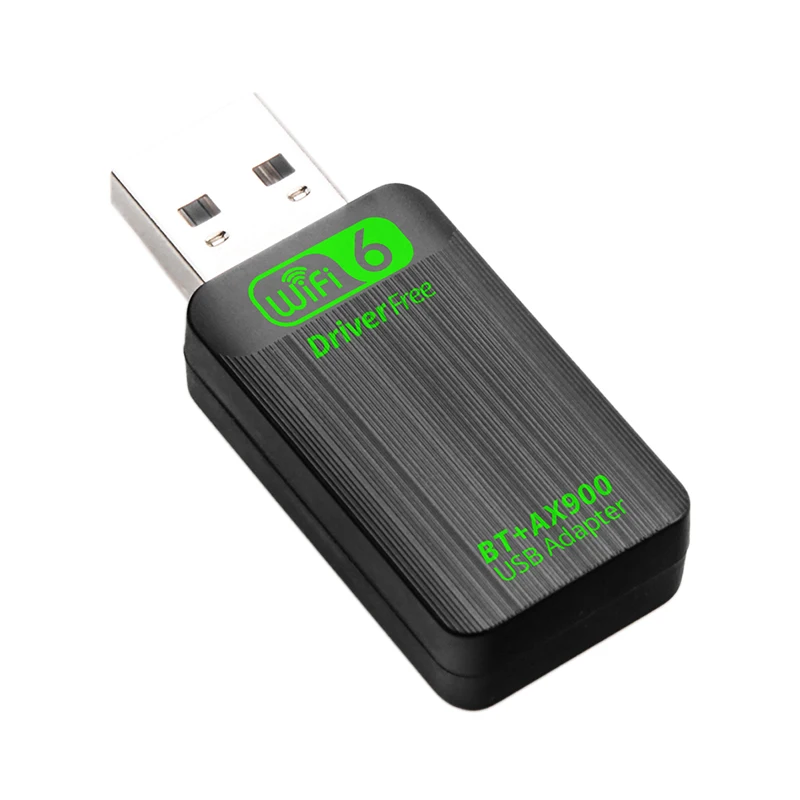
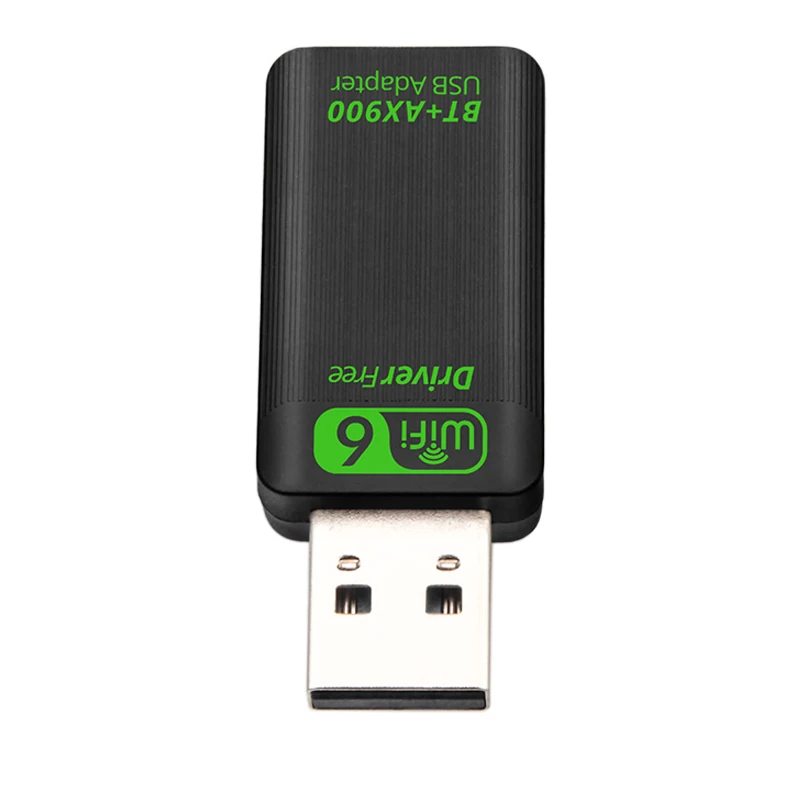
Product Name: WIFI6 AX900 USB WiFi Bluetooth Wireless Adapter
Product Interface: USB2.0
Product Frequency Band: 2.4GHz+5GHz
Transmission Rate: 2.4GHz 286Mbps+5GHz 600Mbps=900Mbps
Standard: IEEE 802.1ax, IEEE 802.11a/ac, IEEE 802.11b, IEEE 802.11g, IEEE 802.11n standards
Bluetooth Version: V5.4
WIFI Working Mode: WiFi Reception/Transmission(WIFI AP Hotspot)
Support System: Only Windows10/11(Not supported on other systems)
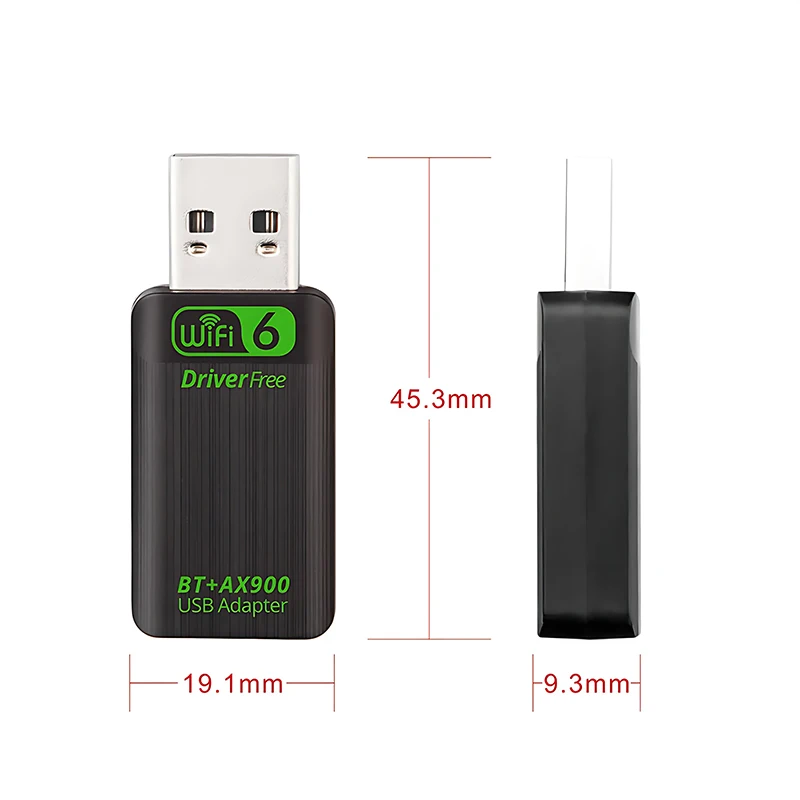
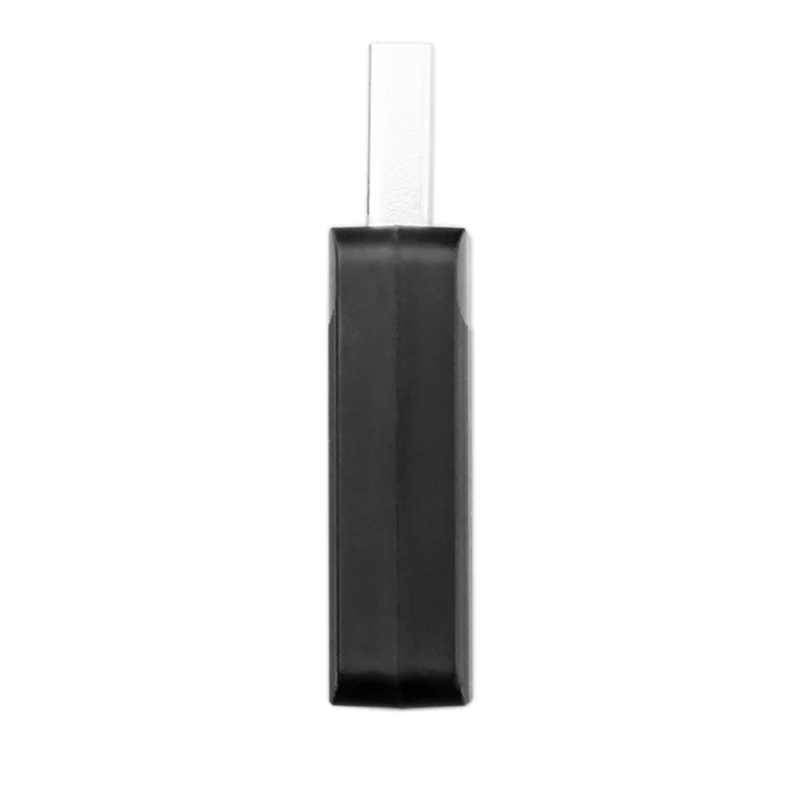
Product Size: about 45.3mm*19.1mm*9.3mm
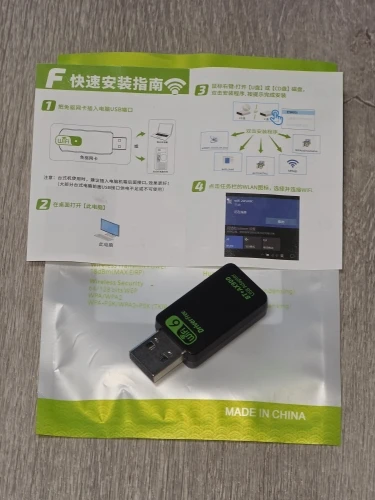
Fast Installation Guide:
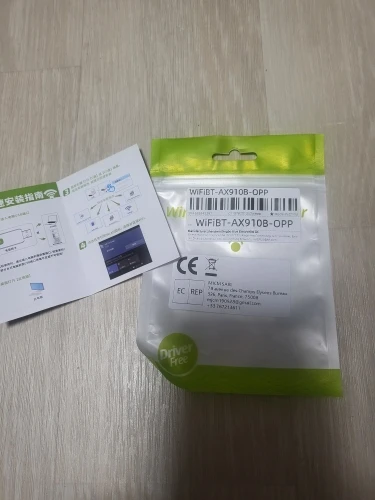
1. Plug the WIFI adapter into the computer USB port;
2. Open "This PC" or "My Computer"(The folder will usually pop up automatically);
3. Double-click to open [wifi-drive]/[U-Disk](The name depends on your computer);
4. Click [Install] to automatically install the driver. After the driver is installed, the interface will automatically disappear;
5. Click the "WIFI logo" in the lower right corner of the [Task Bar], select Connect to WIFI, click Connect, Enter password, and you can use it.
●Supported operating systems: Only Windows10/11(Not supported on other systems).
●Since the WIFI adapter itself does not have a soft AP launch driver, the "WIFI hotspot function" needs to be used with third-party applications Or the computer system comes with "Hotspot driver", such as 360, WIFI Sharing Master, and other APPs.
●If your computer does not recognize the inserted wifi adapter, please change the USB interface or restart the computer before inserting the WIFI adapter.
Package list:
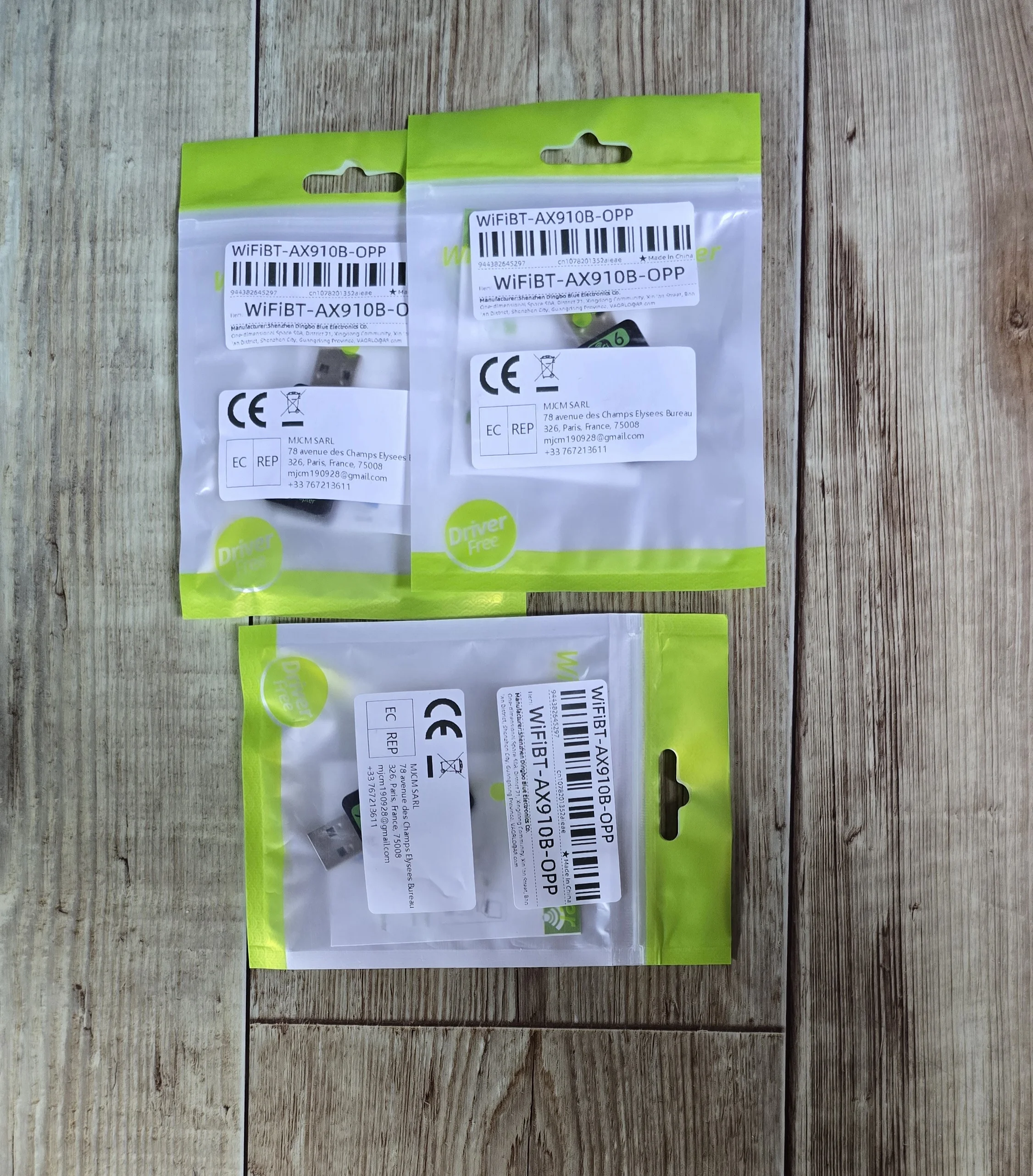
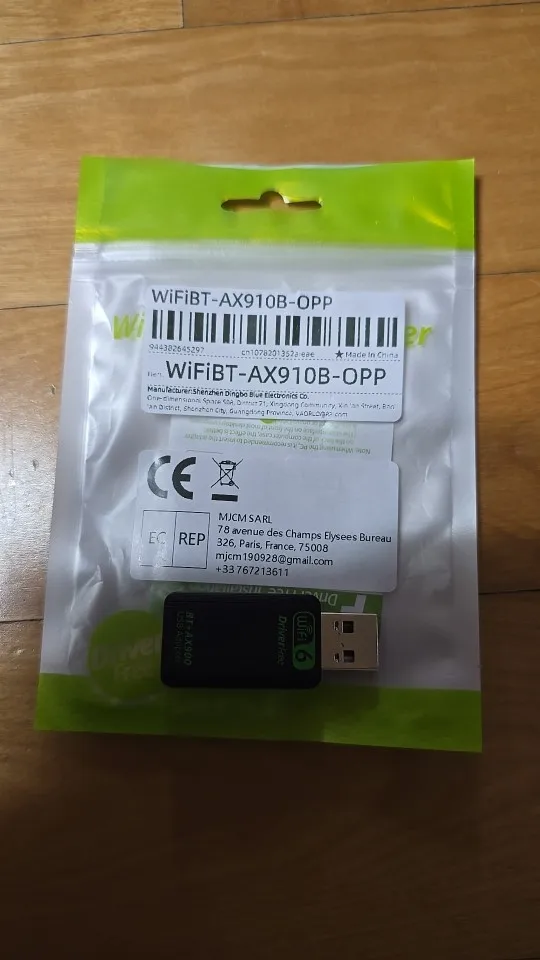
1x WIFI6 AX900 USB WiFi Bluetooth Wireless Adapter
(Warm Tips:We suggest you to insert WiFi USB Adapter into back USB port of your Computer,because usb port in the back can provide more power,The wifi wireless effect is more stable.)
FAQ
Q1: What systems is this Wi-Fi adapter compatible with?
A1:
1) Wireless network card support-Win7/8/10/11
2) Bluetooth support-Win10/11(Win10/11 driver-free)

Q2: How to install and use the network card?
A2: Windows 10/11 systems can install the driver with one click, no need to download separately, Please refer to our "Fast Installation Guide".(and Other systems are unstable and we do not recommend you to use them)

Q3: Why doesn't my Wi-Fi adapter work after a while?
A3:
1)Please insert the Wi-Fi adapter into the Chassis back 10 panel,and don't connect the Wi-Fi adapter through the Hub.
2)Please don't use too many USB interface devices on the computer at the same time to avoid insufficient power supply.
3)Please turn off the “Energy Saving Mode”of the Wi-Fi adapter in the Windows system.
4)When connecting to Wi-Fi, select Automatically connect within range"to avoid manually connecting to Wi-Fi every time you start the computer.
5)Make sure the distance between the Wi-Fi adapter and the router is within 30 feet, and avoid obstaclessuch as thickwalls and metal.
6.Reinstall the driver.

Q4: How can we troubleshoot if the internet speed is slower than we expected?
A4:
1)Make sure your router meets Wi-Fi 6 standard,and try to use the Wi-Fi adapter in a place that has a stronger signal.
2)Set the router to 2.4Ghz from 5Ghz for a try.
3)Make sure that the distance between the adapter and router should be within 30ft, and avoid the obstacles such as thick walls,metals.

Q5: How to turn off the power saving mode of the Wi-Fi adapter in Windows operating system?
A5:
1)Type "Device manager" in the Windows search bar and click on it.
2)Click the network adapters category.
3)In the list of Network Adapters select your Wi-Fi adapter.
4)Select the Power Management tab and uncheck the box labelled "Allow the computer to turn off this device to save power".
해외직구 안내
4.9
인증된 구매 후기 977개
구매후기 구매후기 구매후기 구매후기 구매후기 구매후기 구매후기 구매후기 구매후기 구매후기 구매후기 구매후기
모두(977) 사진 리뷰 5별 4별 3별 이하
색상:하얀색

빠른 배송 감사합니다.합
아직 사용해보진 못했지만 2in1 이라 usb포트 적은 기기에 딱이네요.

리뷰 사진
색상:하얀색

구형노트북에 결합해서 드라이버 설치하니 잘 잡힘. 속도 아주 좋아요. 10년도 더 된 노트북에 내장된 와이파이보다 3배는 빨라졌음.

리뷰 사진
색상:하얀색

AX900 USB WiFi 6 Bluetooth 5.4 2in1 어댑터 듀얼 밴드 2.4G&5GHz 컴퓨터 인식 잘되고 무선 WIFI 및 불루투스 연결 잘되고 사용에 편리합니다.

리뷰 사진 리뷰 사진
색상:하얀색

잘 받았어여
문제없는 것 같아여
사용은 안 해봤어여
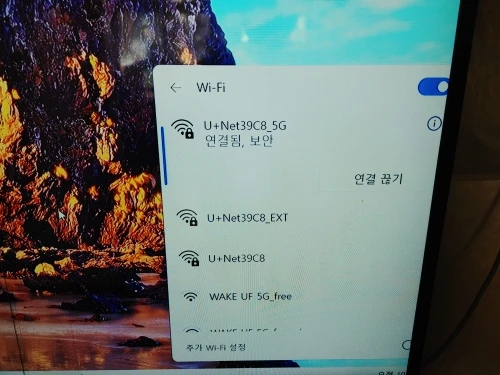
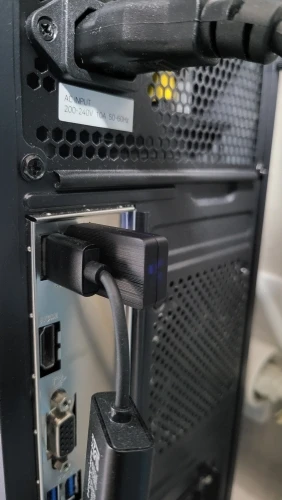
pc에 연결하면 아무 반응이 없는 것 같더니 자세히보니 드라이브가 하나 추가돼서 들어가보니 윈도우용 드라이브 설치 파일이 있어서 설치하고 wifi와 블루투스가 뜨는 것 확인 했습니다
나중에 사용하려고 인식 되는 것만 확인했어여
잘 사용할게여
감사합니다

리뷰 사진
색상:하얀색

pc에 연결하면 설치프로그램이 자동으로 나오고 설치하면 바로 와이파이를 연결해서 사용할수 있어요.5g신호도 수신할수 있어서 품질이 최고입니다

리뷰 사진 리뷰 사진
색상:하얀색

아이파이 동글 살때 꼭 5ghz 지원되는걸로 사세요.
2.4Ghz 짜리샀다가 엄청끊겨서 다시샀는데 이건 속도도
잘나오고 좋네요. 블투까지 2 in 1으로 되니 최고입니다.
자동으로 드라이버잡지는 못하고 컴퓨터에 꽂으면 USB메모리
처럼 드라이버 프로그램이 들어있습니다.
설치하면 바로 잡힙니다.

리뷰 사진
색상:하얀색

자동 인식은 안 되고 파일 설치해야 하네요.
5G 600M나옵니다.

리뷰 사진 리뷰 사진
색상:하얀색

인식 잘 됩니다. 속도 빠르고요. 추천!!!

리뷰 사진
색상:하얀색

속도 잘나오네요...
KT 100M 상품 사용하는데서 측정해좌ㅛ은데...
유선과 무선이 동일한 속도가 나오네요..

리뷰 사진
색상:하얀색

생각보다 괜찮음 블루투스와 와이파이 한번에 사용할수 있어서 편리할듯. 그리고 무엇보다 수신기가 작아서 들고다니기가 용이함

색상:하얀색

USB 2.0 포트에 연결해야 인식이 되네요 인식 잘 되고 속도 빠릅니다.

색상:하얀색

데스크탑 랜선없이 인터넷 연결! 속도도 굿!

색상:하얀색

내부 와이 보다는 느리네요...배송은 생각보다 빠른 편이었고 포장 상태도 괜찮았습니다.
제품은 설명에 나온 내용과 동일하고, 가격 대비 만족스럽습니다.
아직 오래 사용해보진 않았지만 현재까지는 문제없이 잘 작동합니다.
가성비 좋은 상품이라 재구매 의사 있습니다.

색상:하얀색

만족합니다. 번창하세요. 가성비짱입니다.만족합니다. 번창하세요. 가성비짱입니다.만족합니다. 번창하세요. 가성비짱입니다.만족합니다. 번창하세요. 가성비짱입니다.만족합니다. 번창하세요. 가성비짱입니다만족합니다. 번창하세요. 가성비짱입니다.만족합니다. 번창하세요. 가성비짱입니다.만족합니다. 번창하세요. 가성비짱입니다.만족합니다. 번창하세요. 가성비짱입니다.만족합니다. 번창하세요. 가성비짱입니다.만족합니다. 번창하세요. 가성비짱입니다만족합니다. 번창하세요. 가성비짱입니다.

색상:하얀색

작동이 아주 잘되고 한개에 두개 기능이 있어서 포트를 하나만 쓰니까 포트 여유도 있고 좋아요

색상:하얀색

블루투스가 생각만큼 멀리까지 연결되진 않습니다.
저희 컴퓨터가 이상한 건지 그 원인은 알기 어렵지만 블루투스 이어폰을 사용하다가 중간중간 끊어질 때가 있습니다.
이전에 사용하던 블루투스 5.3 버전 제품이 안정성에서는 더 좋았던 거 같습니다. 그래도 못쓸 정도는 아니고 쓸만합니다.
저렴한 가격 치고는 성능이 나쁘진 않습니다.

색상:하얀색

USB 하나로 와이파이 6와 블루투스 5.4 를 동시에 사용할수 있는 제품.

마음에 듭니다. 와이파이는 아직 잡아보지는 않았지만 잘 되겠죠.

예전에야 마데인 차이나 하면 에잉~~ 했지만.. 요즘이야.. 아이폰도 중국에서 조립하는 제품이니 말입니다.

색상:하얀색

와이파이 6, 블투 5.4 맞네요. 잘 됩니다

색상:하얀색

데스크탑 블루투스 키보드연결용으로 구매했는데 대만족입니다

색상:하얀색

와이파이를 사용하기 위해 드라이버 설치가 필요합니다.

첫 연결 시, USB장치로 인식이 되었을 겁니다.

그곳에 와이파이연결을 위한 드라이버 설치파일이 있습니다.

해당 드라이버 설치가 완료된 후 정상적으로 와이파이 연결을 할 수 있었습니다.

카카오톡으로 문의해주세요

상품 관련 문의, 배송, 교환/반품 등
카카오톡 채팅으로 빠르게 답변드립니다.

카카오톡 상담하기

운영시간: 평일 10:00~18:00

배송 안내

해외배송 상품으로 배송에 5~10일이 소요됩니다.

전상품 무료배송입니다.

교환/반품

상품 하자/오배송: 무료 반품 + 전액 환불

단순 변심: 국제반품비 고객 부담

수령 후 7일 이내 교환/반품 신청 가능

카카오톡 상담