Warm Tips:
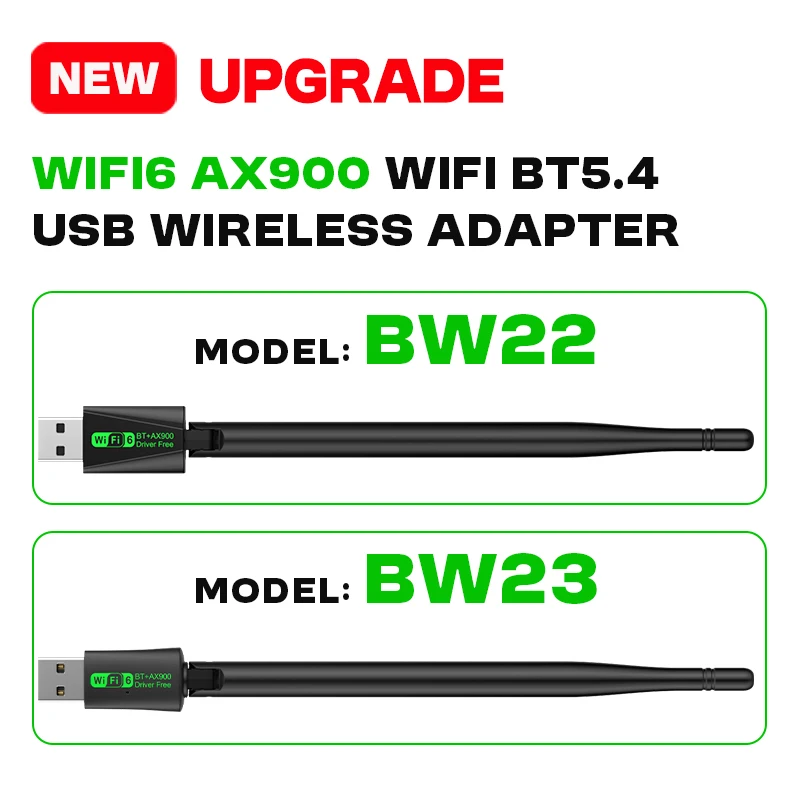
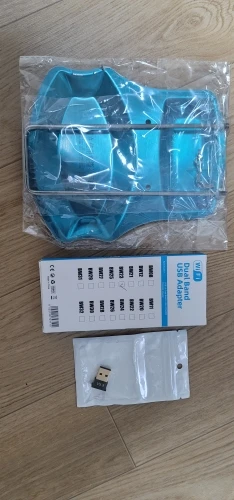
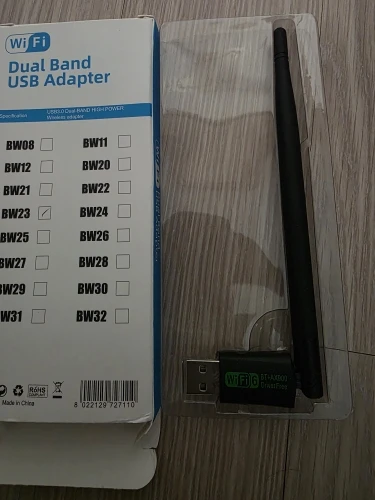
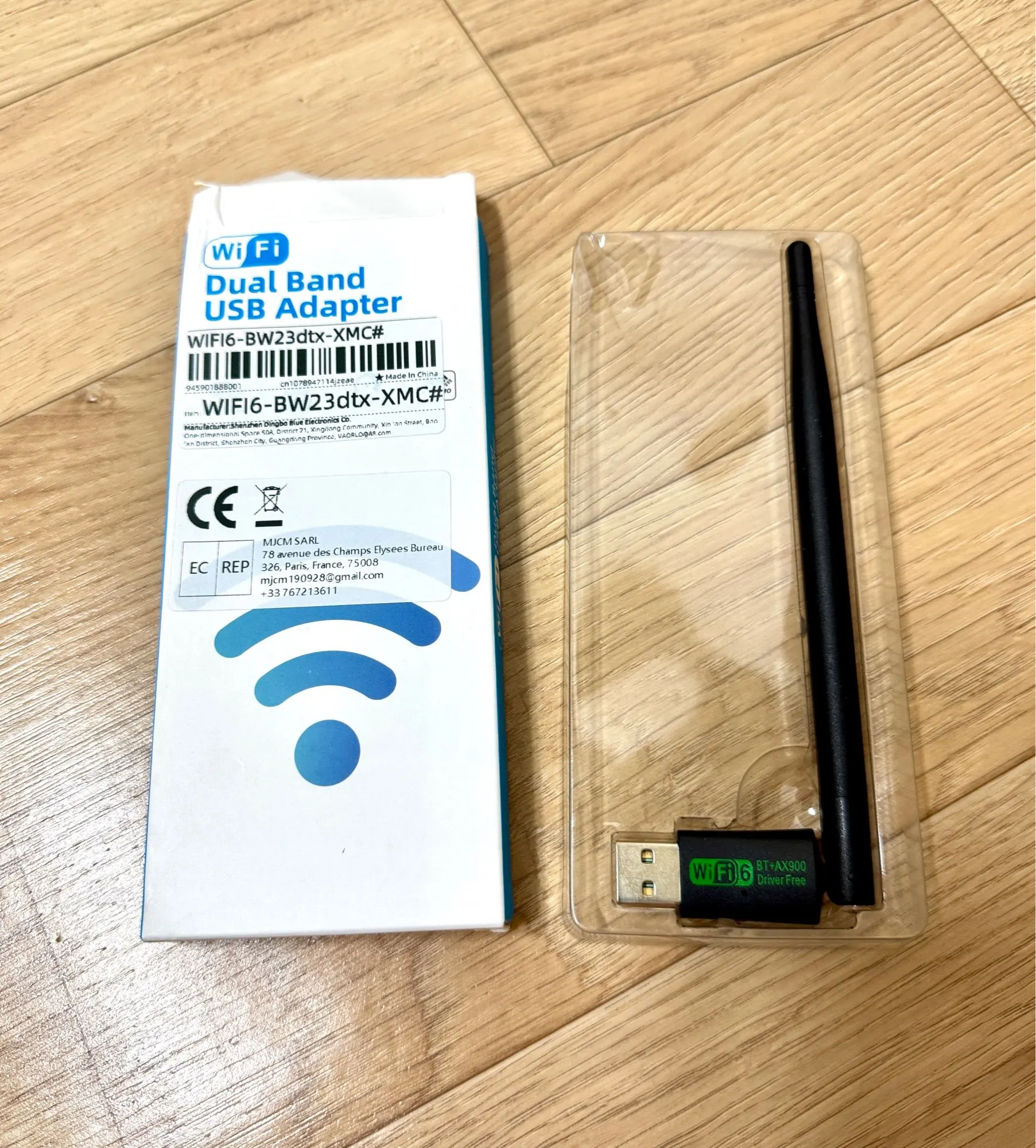
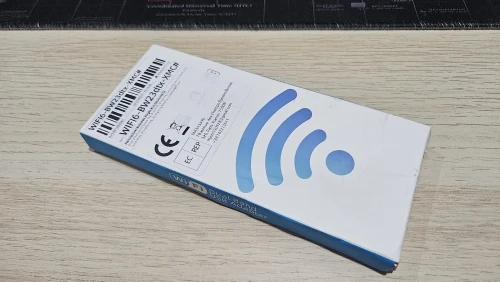
We provide 2 Modle of AX900 USB WiFi Bluetooth Wireless Adapter, "BW22" and "BW23", They have the same function, just different appearance. The please choose to purchase according to your needs,We will send according to the option picture you purchased, thank you!
PLS Note:
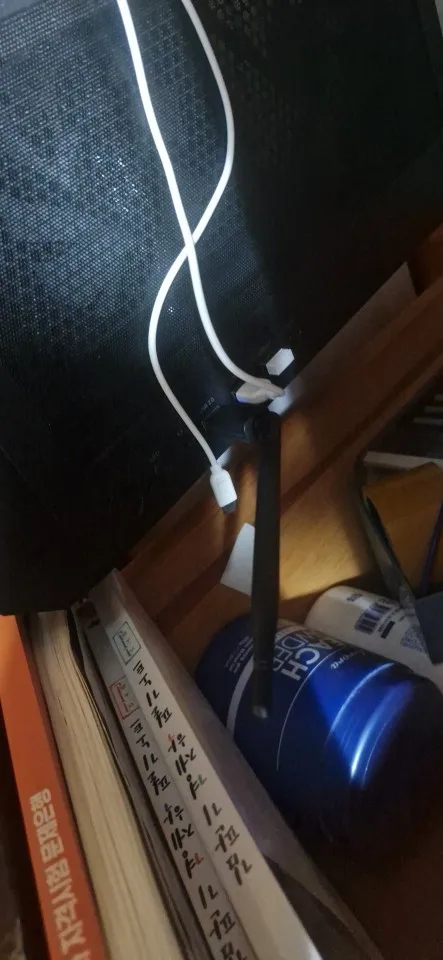
●We suggest you to insert WiFi USB Adapter into back USB port of your Computer,because usb port in the back can provide more power,The wifi wireless effect is more stable.(The USB interface on the front of some computer hosts may have insufficient power or is not supported)
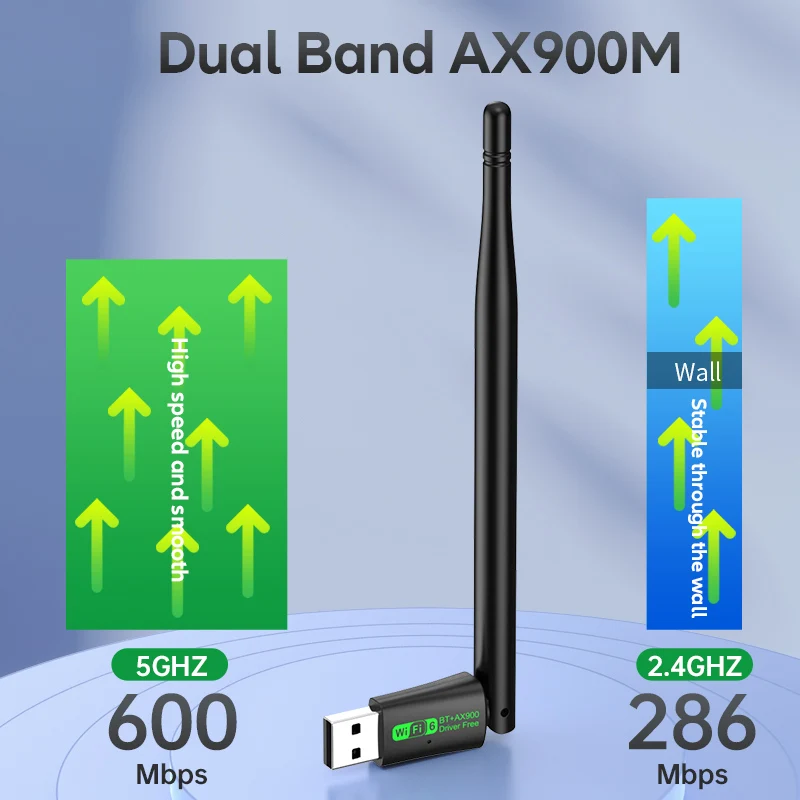
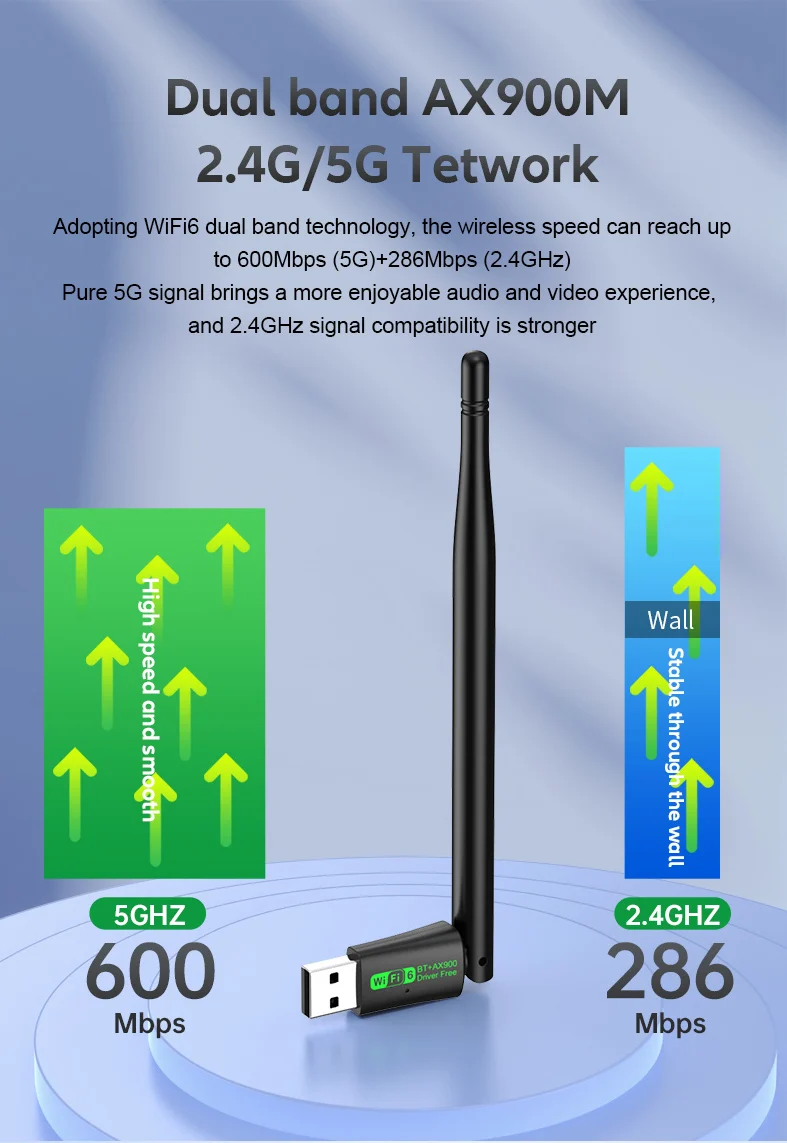
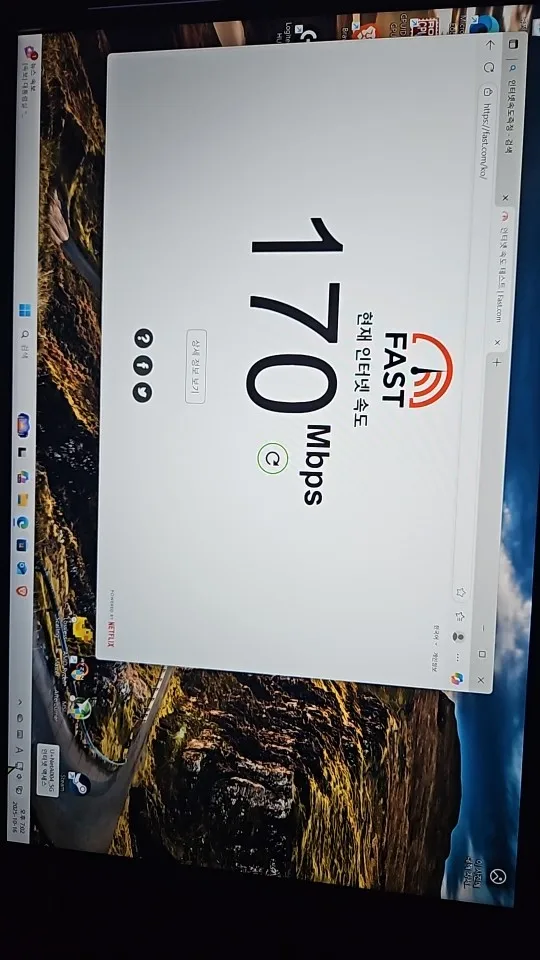
●The WIFI transmission rate of the wireless network card depends on the router and the working environment. It can support up to 900Mbps (2.4GHz 286Mbps+5GHz 600Mbps), so please make sure that your network bandwidth speed also supports 900Mbps.(Working with Wi-Fi 6 series routers will give you a smoother Internet experience.)
●When ejecting the “Wifi-driver(Wifi6_install.exe)”, you need to boot it. You must correct it or the adapter will never work properly.
●Bluetooth driver do not support Windows XP/VISTA /Mac.
●This product is not intended for use with Mac OS, car audio systems, or TVs.
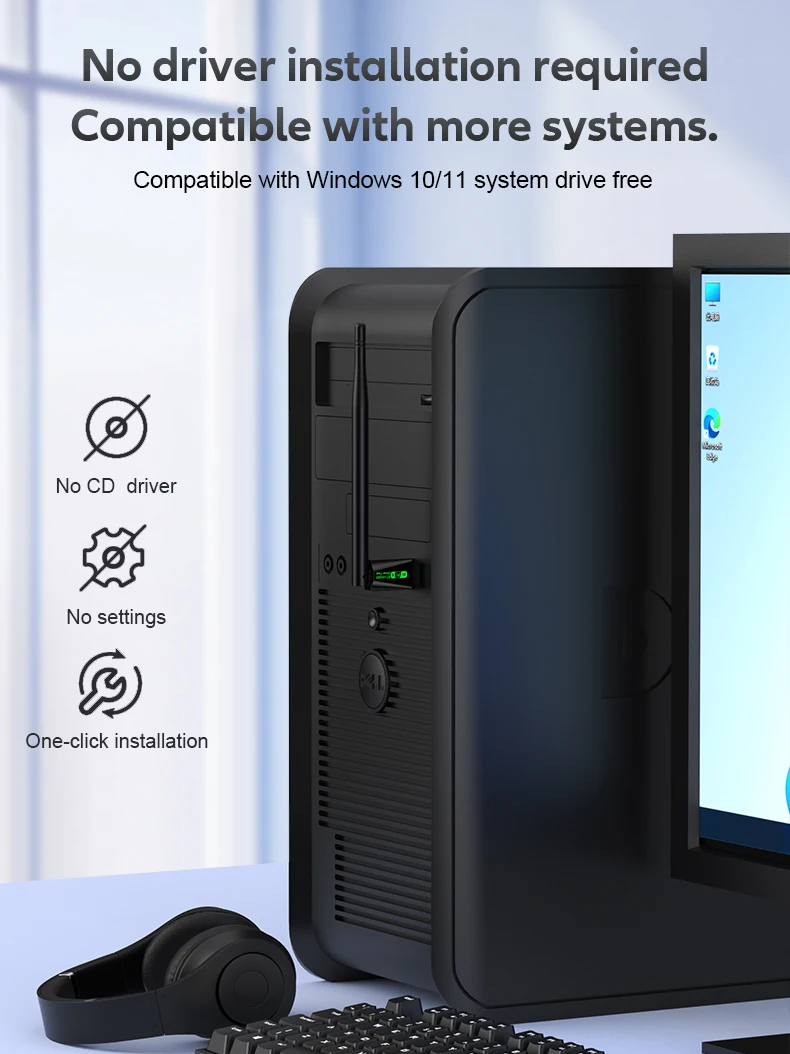
●Support System: Only Windows10/11(Not supported on other systems)
Product Features:
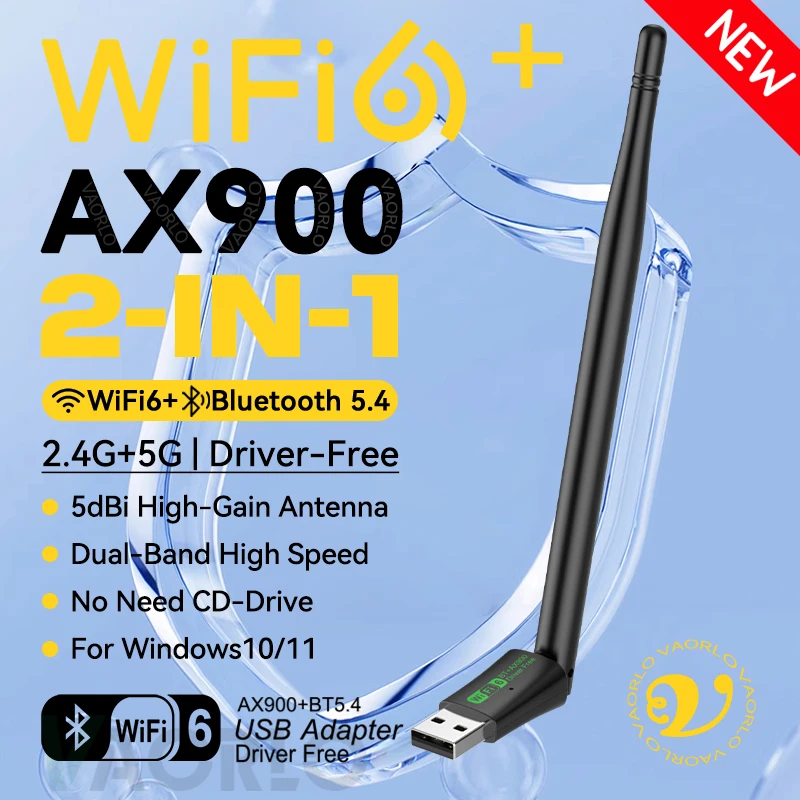
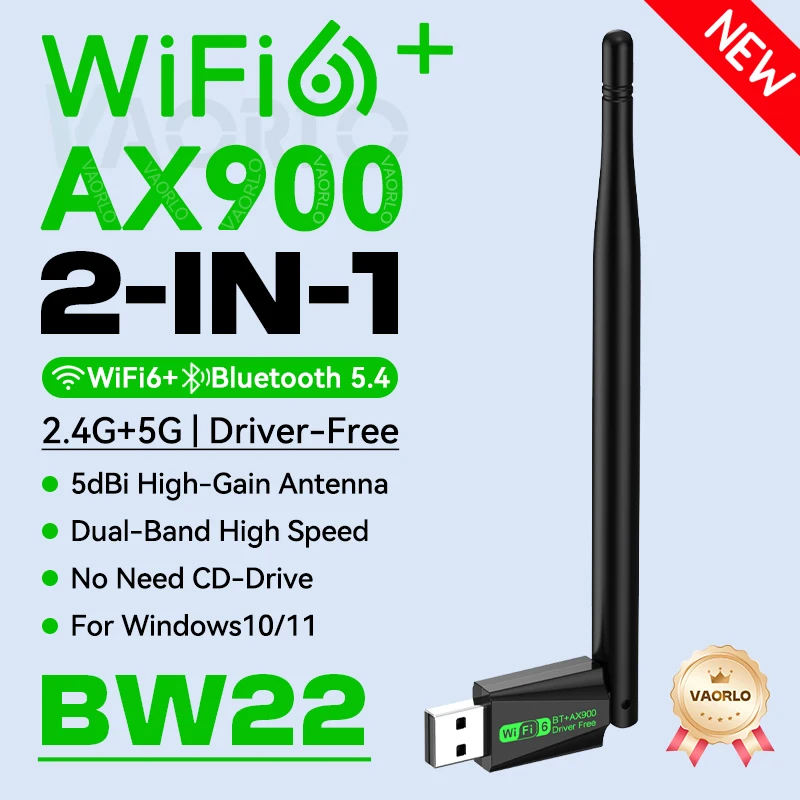
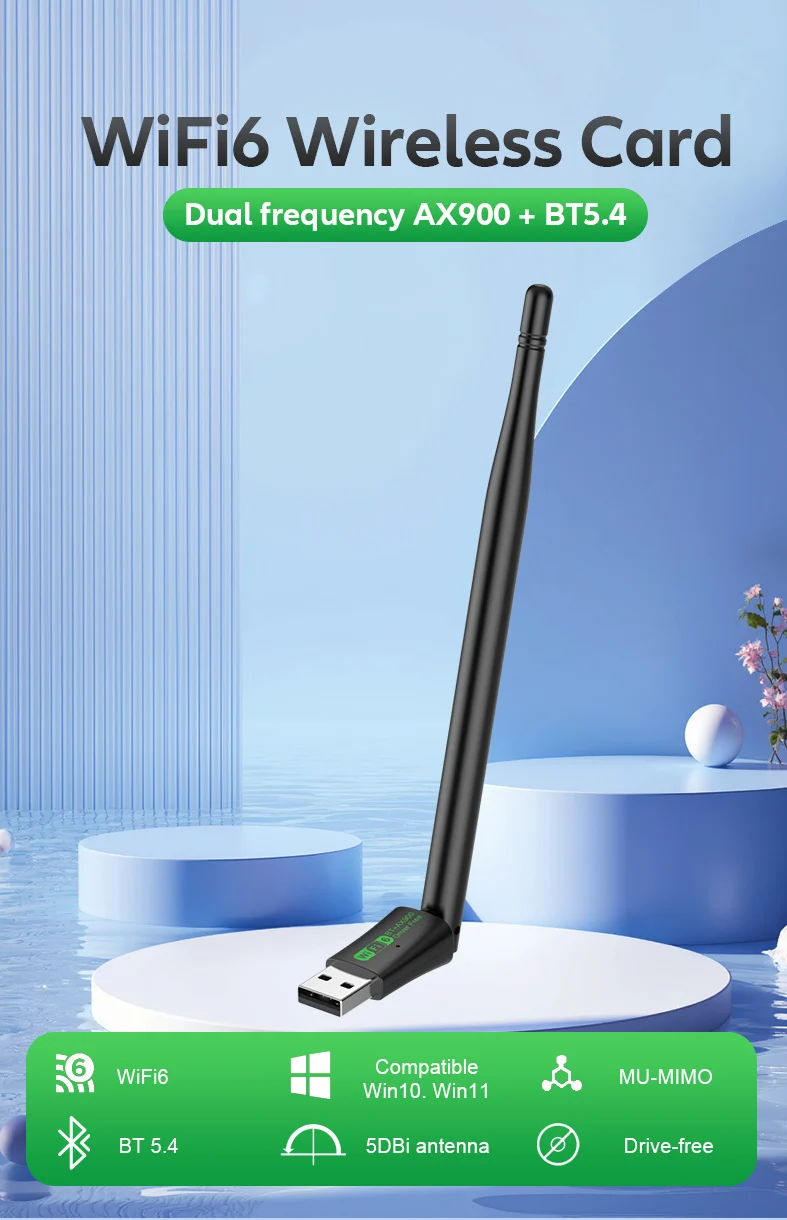
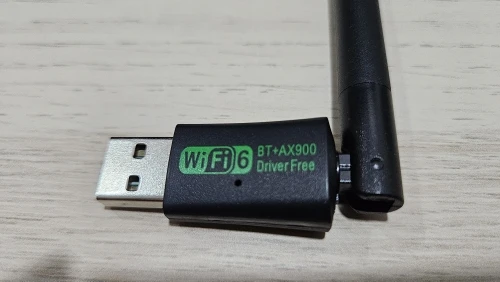
【★2 IN 1 WIFI6+Bluetooth 5.4】vaorlo WIFI6 AX900+Bluetooth 5.4 USB Wifi Wireless Adapter, Suitable for wireless connection of desktop PCs and Laptop, providing convenient and fast wireless internet access; The network card supports automatic detection function and can automatically adjust the speed.
【★High-Speed WiFi Connection】Experience seamless internet connectivity with vaorlo's 900Mbps USB WiFi Bluetooth adapter, ensuring high-speed data transmission for an optimal online experience.
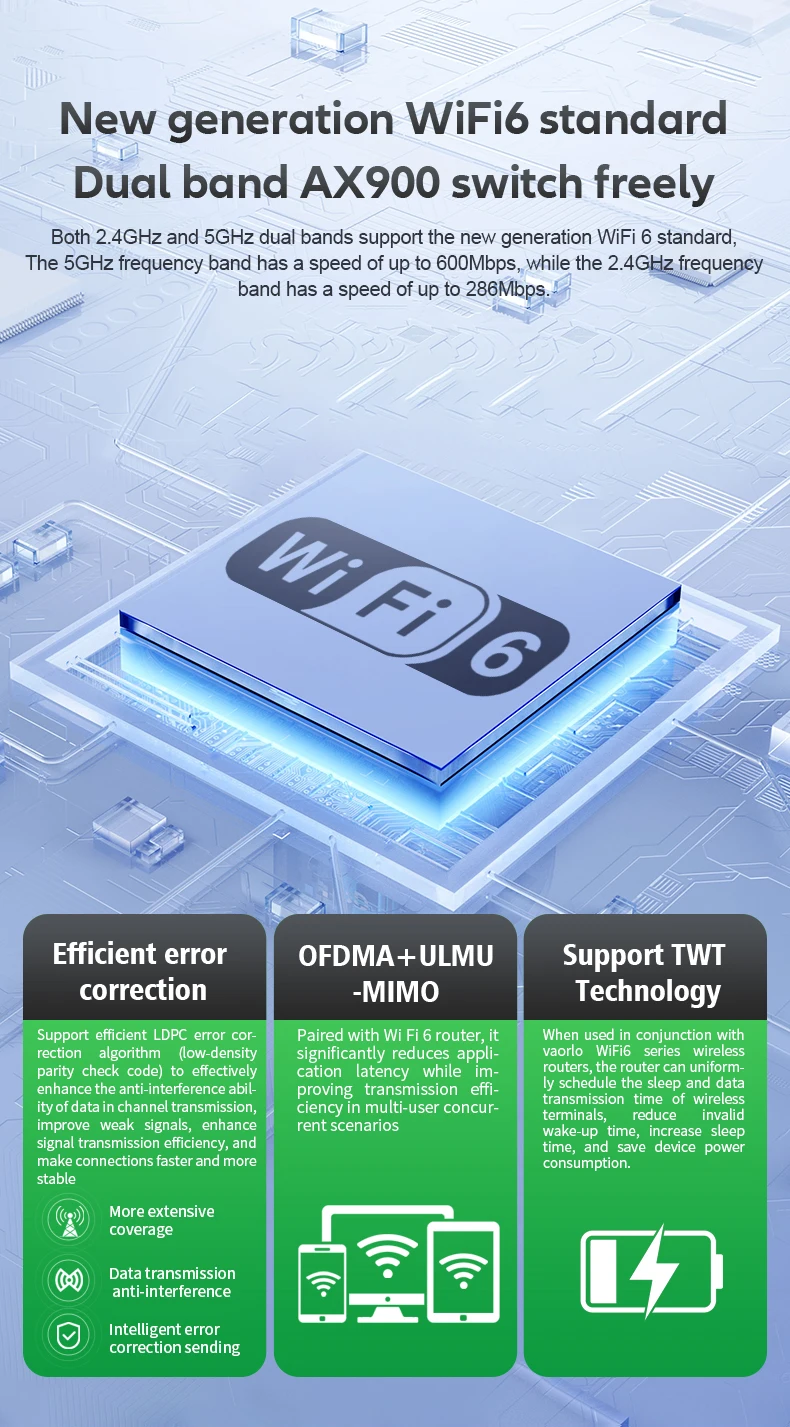
【★900Mbps Dual Band】Dual-frequency switching, supporting two working frequency bands of 2.4GHz and 5GHz,The dual-band wireless rate is up to 900Mbps (2.4GHz 286Mbps+5GHz 600Mbps), making online videos and games faster and smoother.
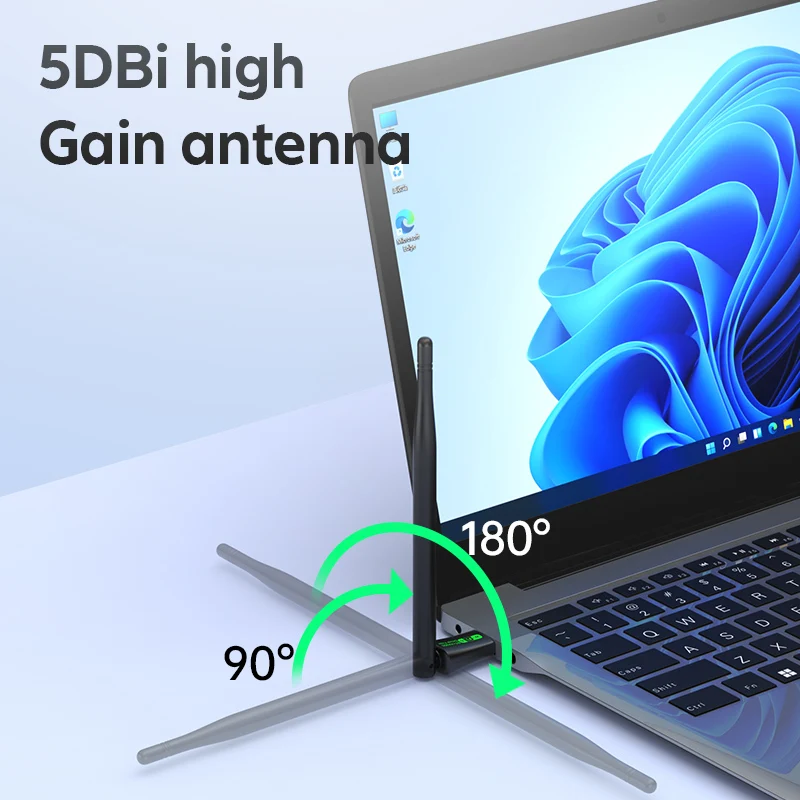
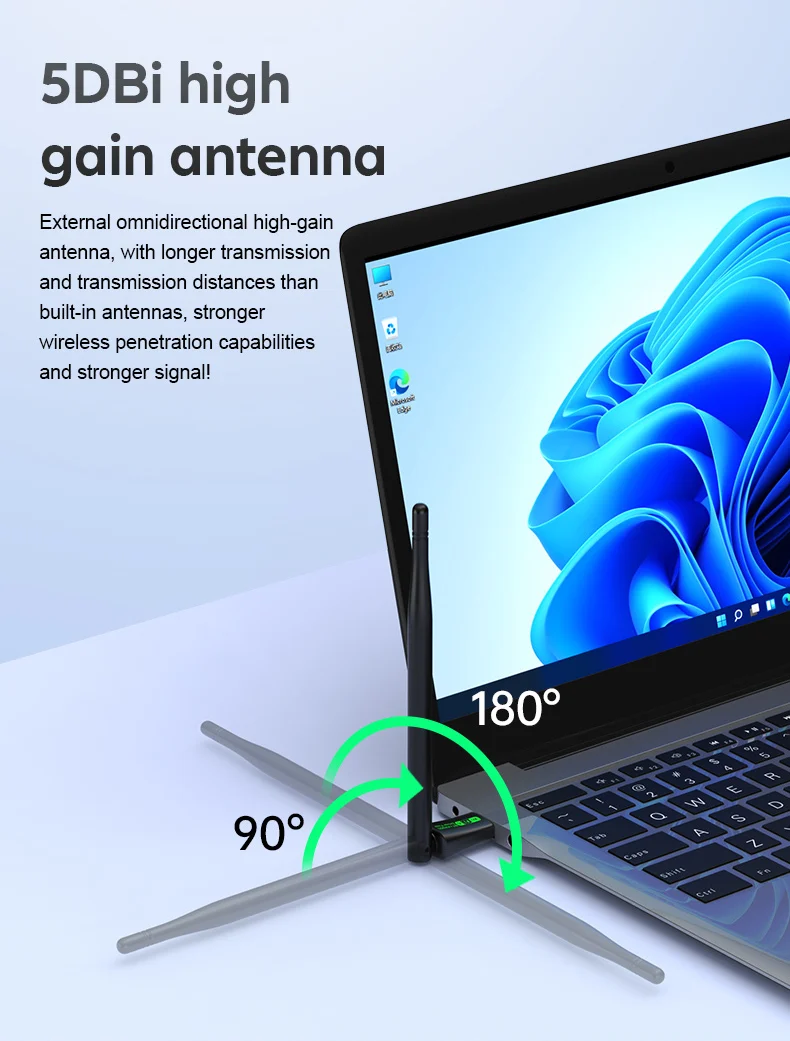
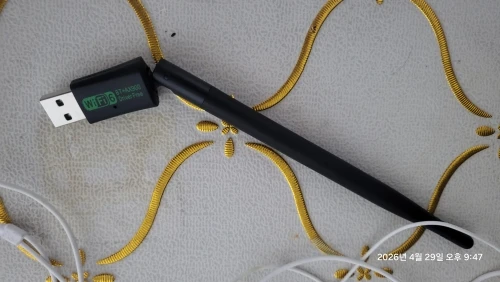
【★External Antenna】External Omnidirectional 5dBi High-Gain Antenna, with longer transmission and transmission distances than built-i n antennas, stronger wireless penetration capabilities and stronger signal! 180-degree free rotation design!
【★WiFi6 IEEE 802.11AX】The New generation of WiFi6 standard, Comply with IEEE 802.11ax, IEEE 802.11a/ac, IEEE 802.11b, IEEE 802.11g, IEEE 802.11n Standards.
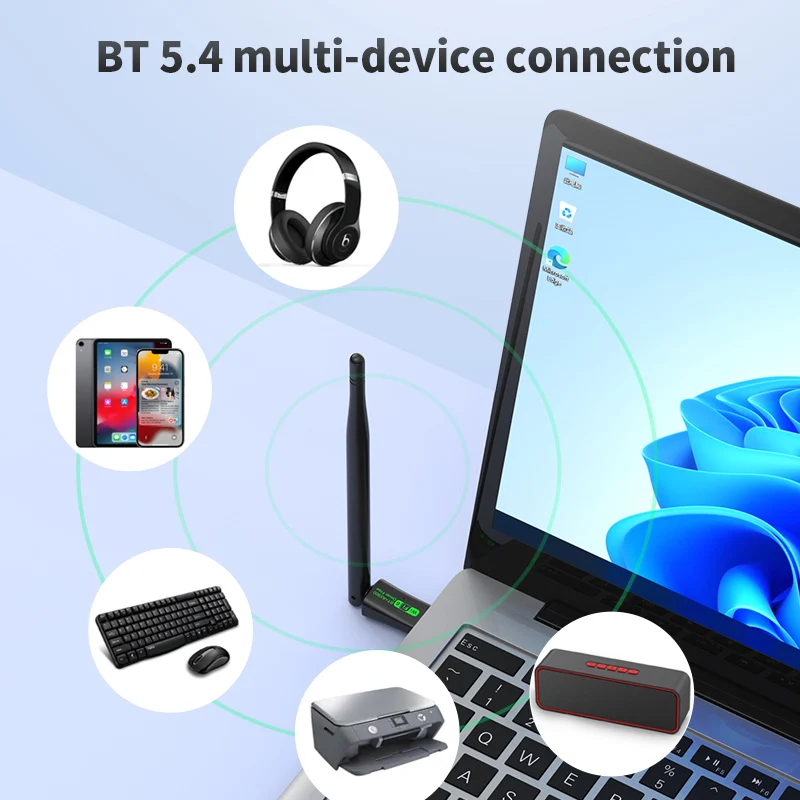
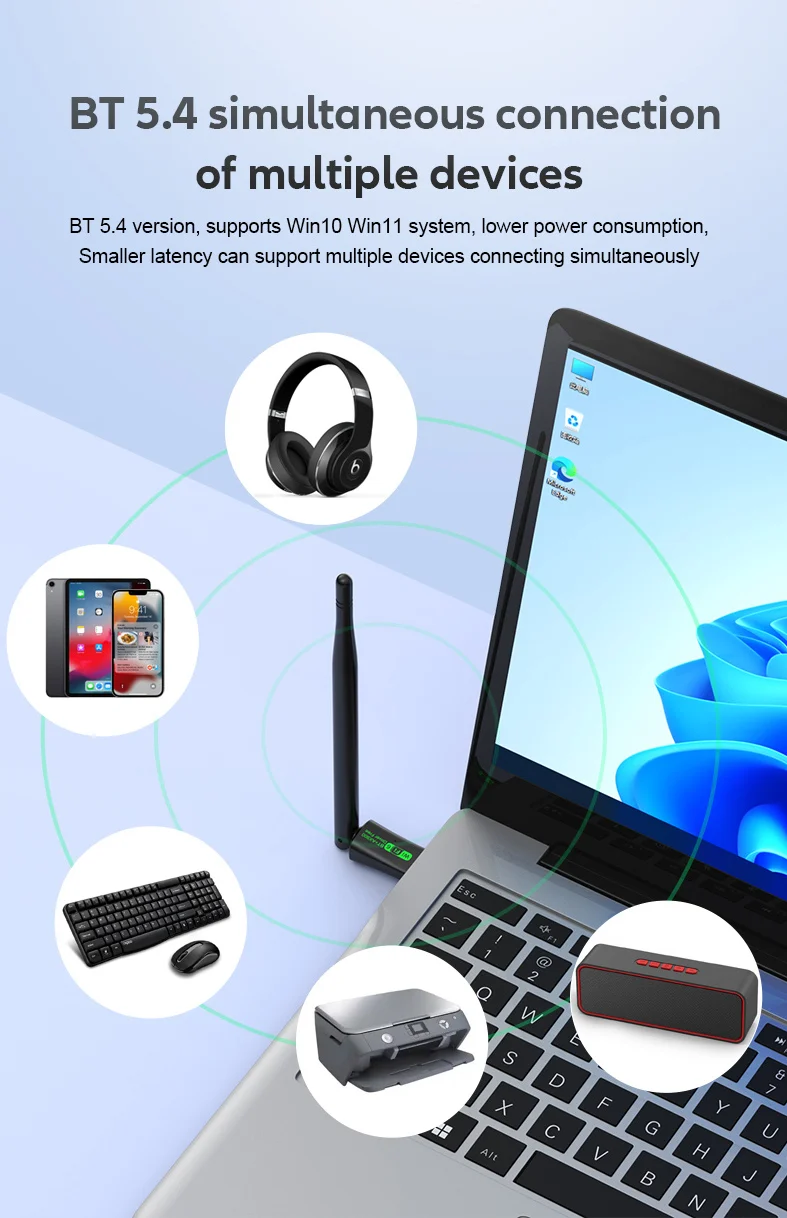
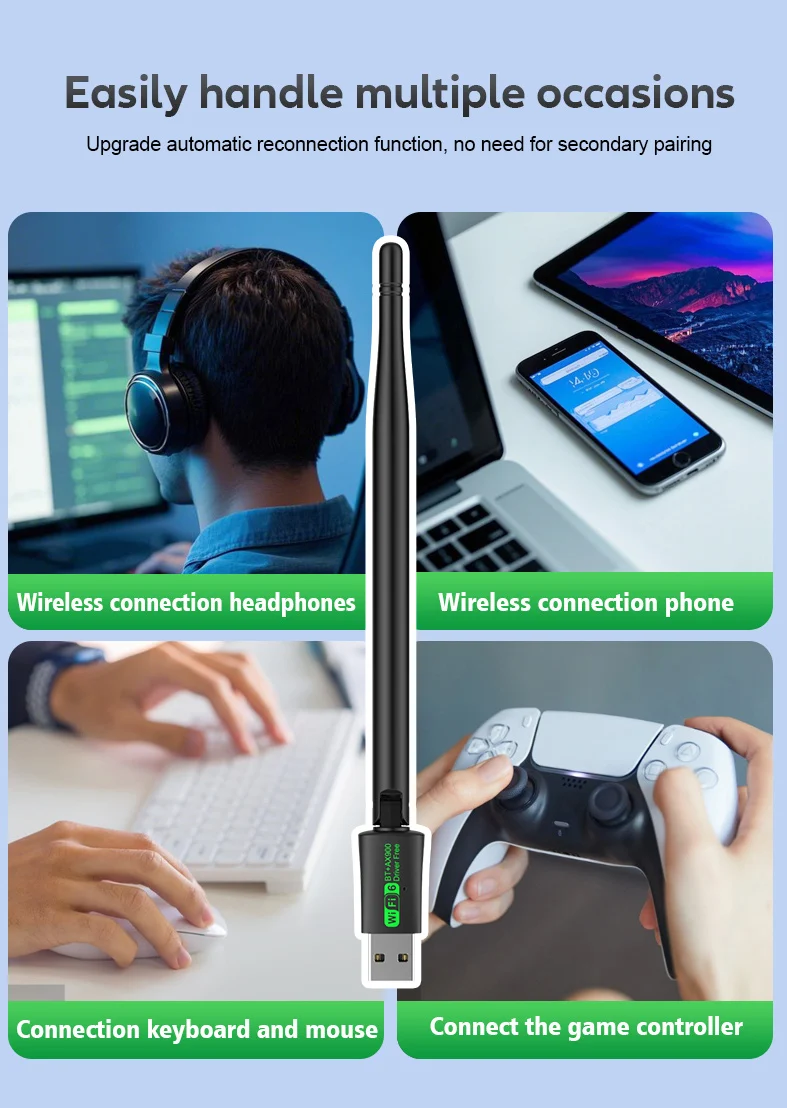
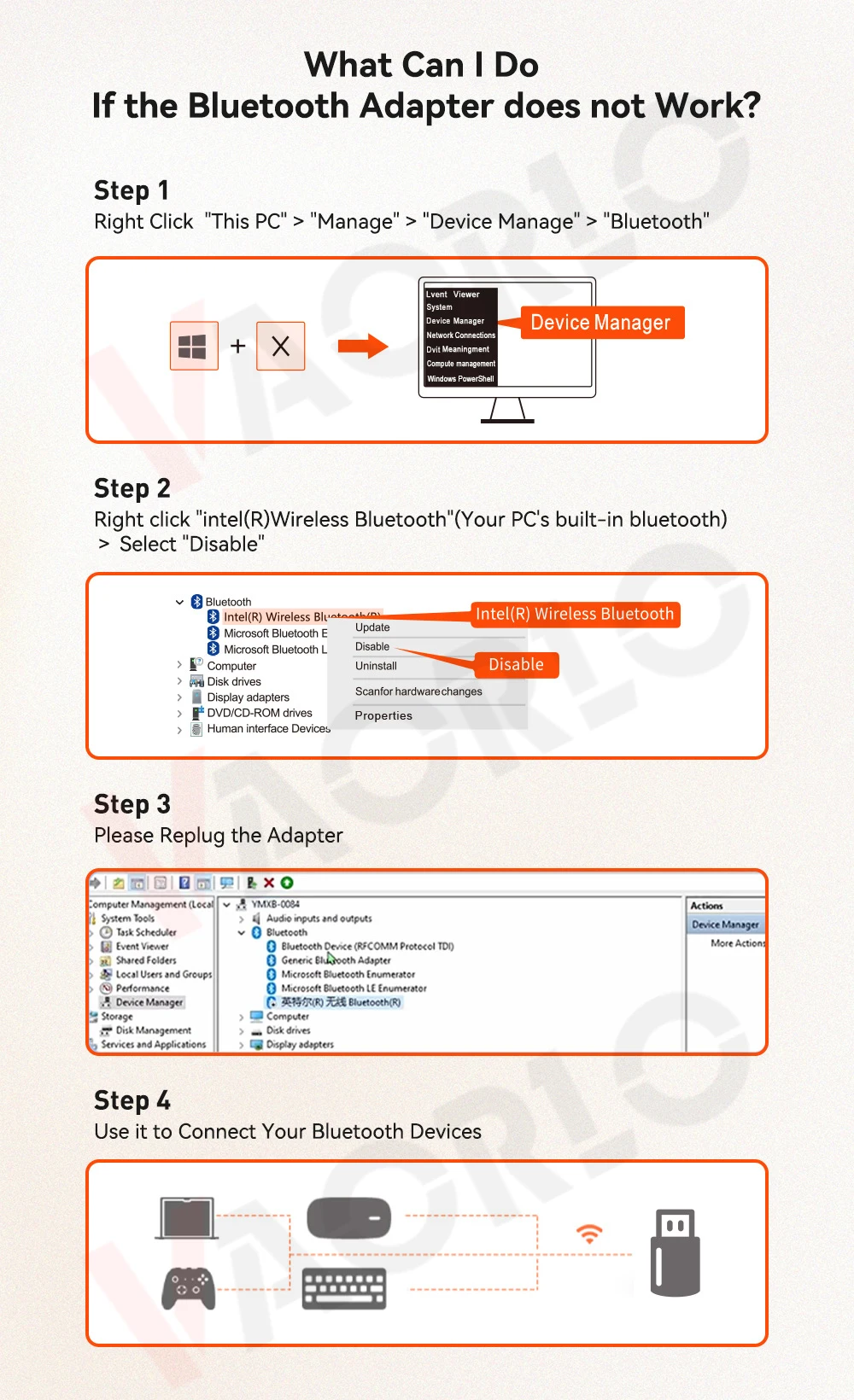
【★Bluetooth 5.4】New upgraded Bluetooth 5.4 version, supports Win10 and Win11 computer systems, lower power consumption, less latency, and can support multiple devices connected at the same time.(Warm Tips: Please do not connect too many devices to avoid software conflicts between used devices.)
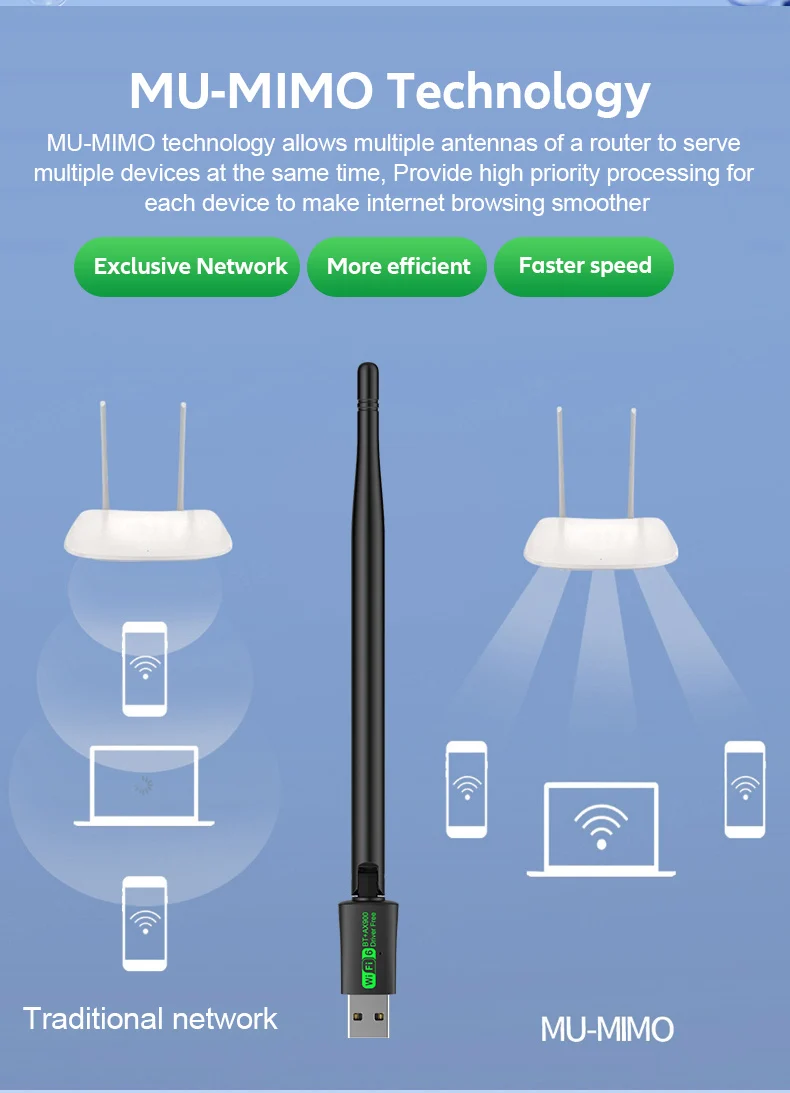
【★MU-MIMO Technology】Supports MU-MIMO multi-device connection to improve network efficiency.
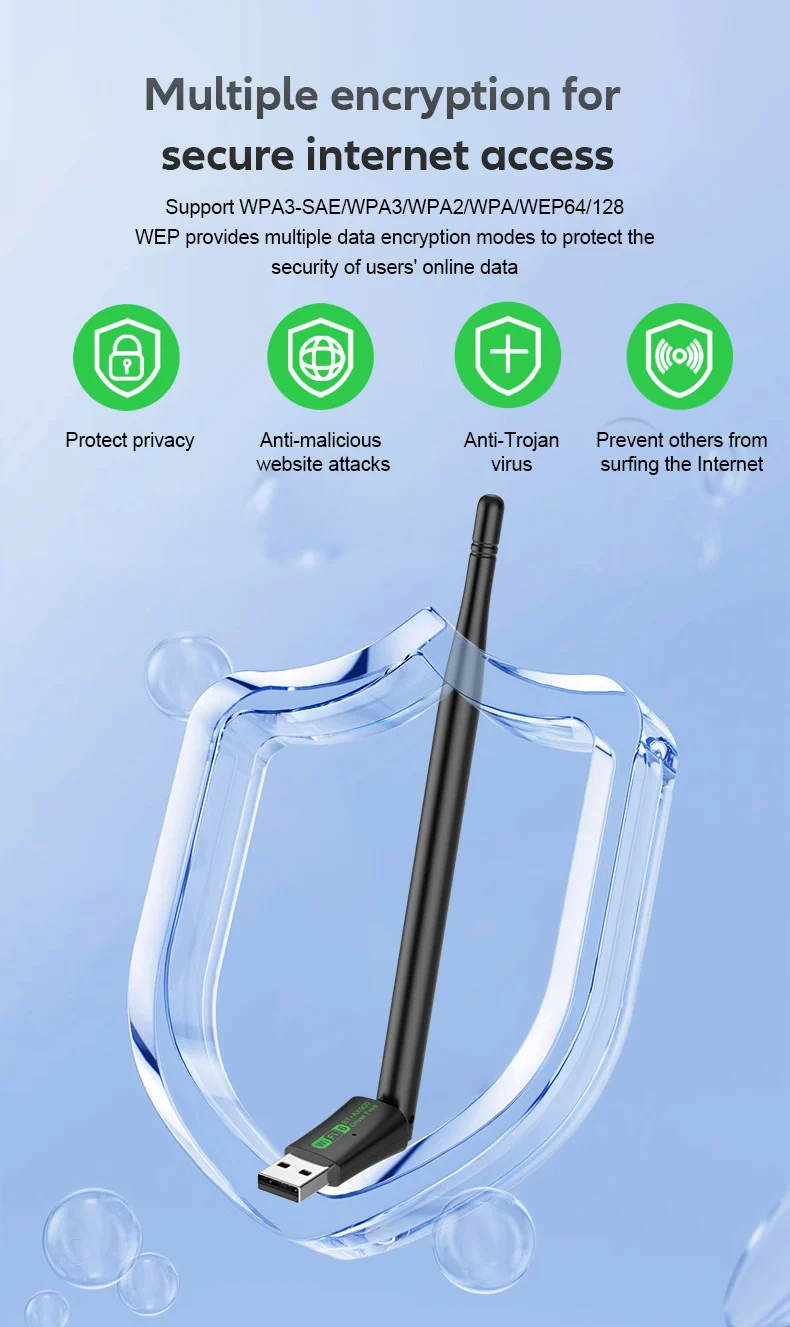
【★Safe Internet Access】Supports multiple data encryption modes such as WPA3-SAE/WPA3/WPA2/WPA/WEP64/128 WEP to protect user Internet data security.
【★Driver Free】Built-in Wireless network card driver, no need for CD-ROMs, Optical drive, Plug in the computer can easily realize the installation of the driver, convenient and worry-free in one step.
Product Specifications:
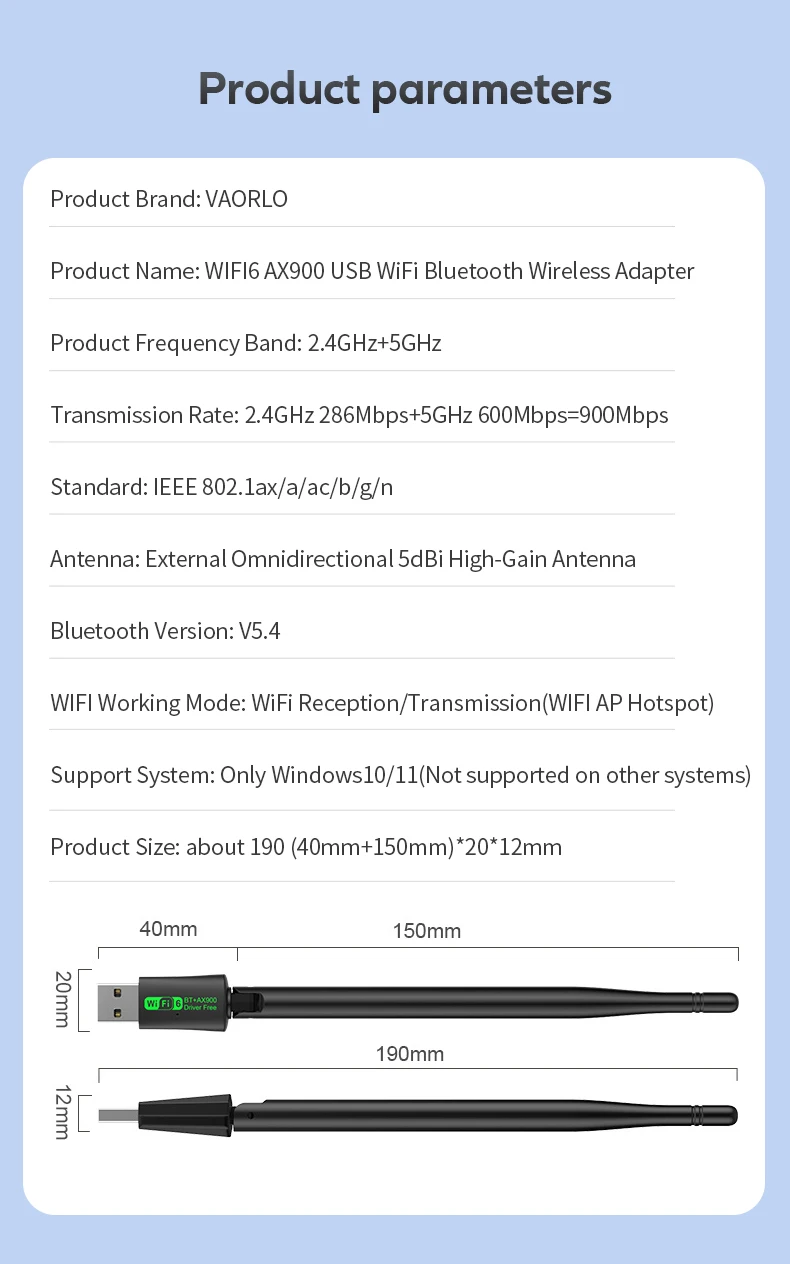
Product Brand: VAORLO
Product Name: WIFI6 AX900 USB WiFi Bluetooth Wireless Adapter
Product Interface: USB2.0
Product Frequency Band: 2.4GHz+5GHz
Transmission Rate: 2.4GHz 286Mbps+5GHz 600Mbps=900Mbps
Standard: IEEE 802.11ax, IEEE 802.11a/ac, IEEE 802.11b, IEEE 802.11g, IEEE 802.11n standards
Antenna: External Omnidirectional 5dBi High-Gain Antenna
Encryption Method: WPAЗ/WPA-WEP/WPA-PSK/WPA2-PSK
Bluetooth Version: V5.4
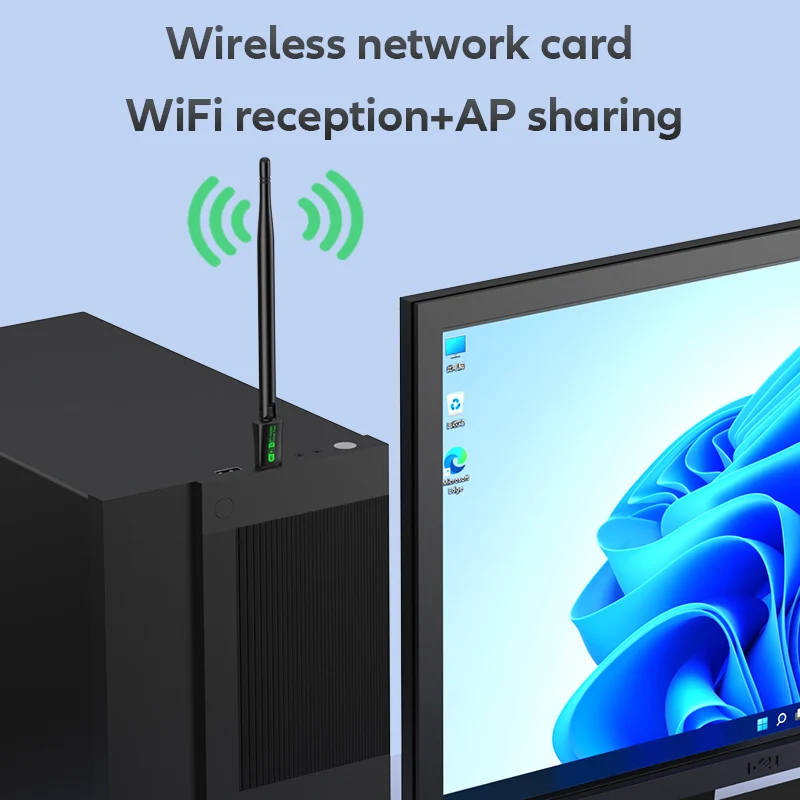
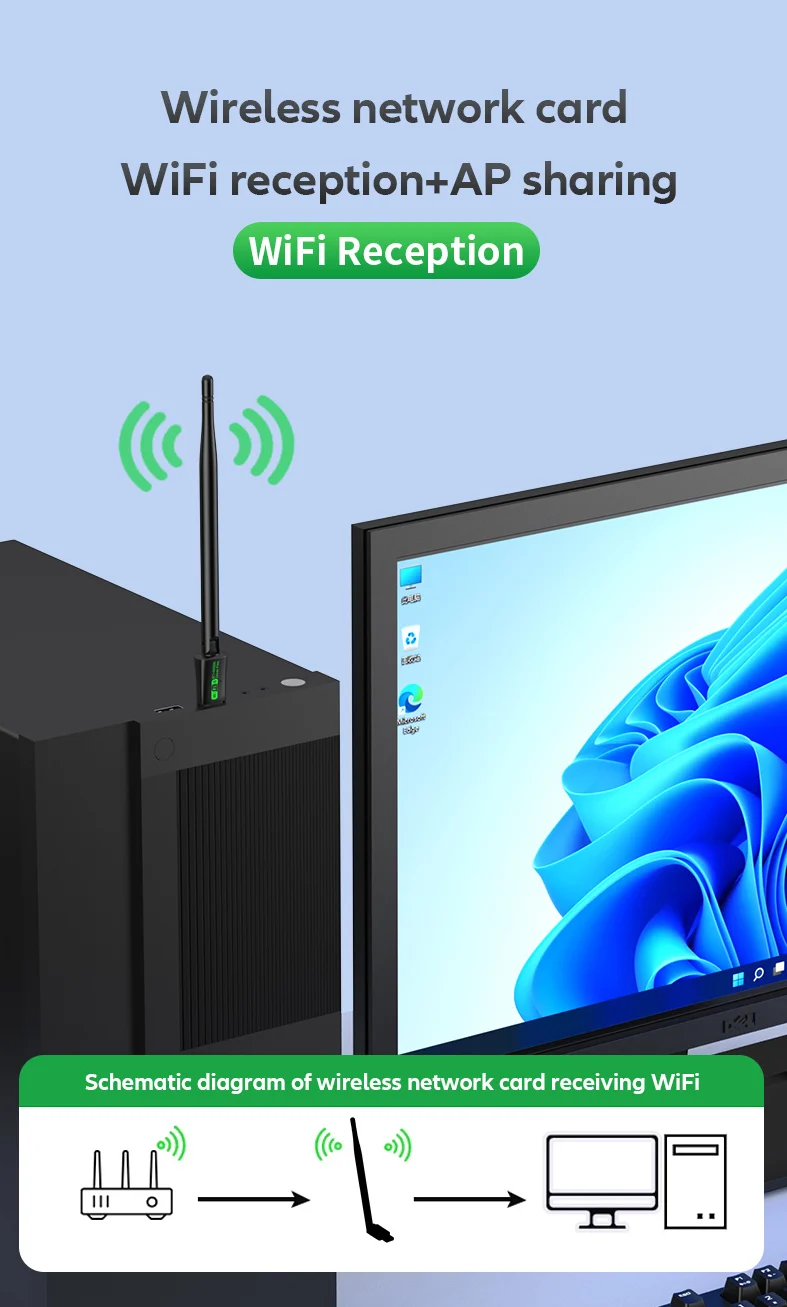
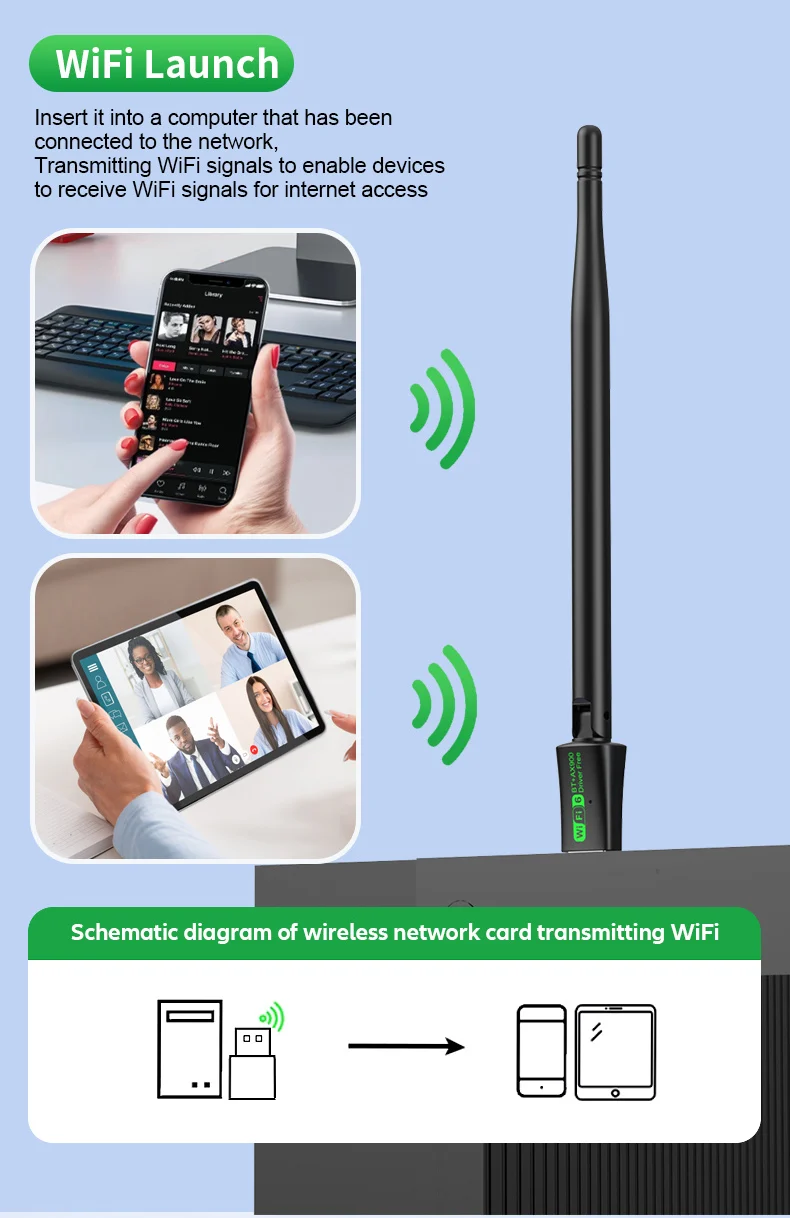
WIFI Working Mode: WiFi Reception/Transmission(WIFI AP Hotspot)
Support System: Only Windows10/11(Not supported on other systems)
Product Size: about 190 (40mm+150mm)*20*12mm
Fast Installation Guide:
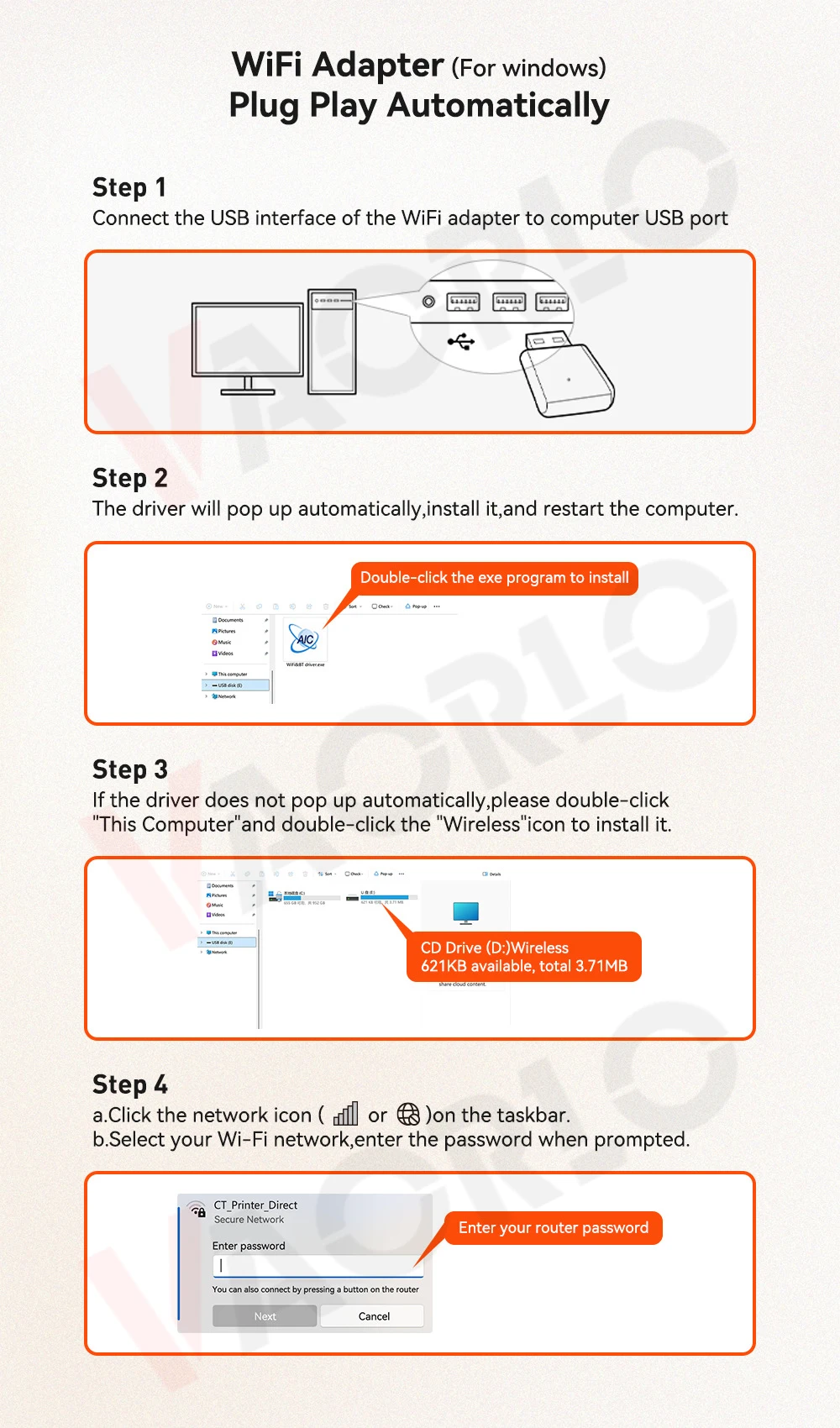
1. Plug the WIFI adapter into the computer USB port;
2. Open "This PC" or "My Computer"(The folder will usually pop up automatically);
3. Double-click to open [wifi-drive]/[U-Disk](The name depends on your computer);
4. Click [Install] to automatically install the driver. After the driver is installed, the interface will automatically disappear;
5. Click the "WIFI logo" in the lower right corner of the [Task Bar], select Connect to WIFI, click Connect, Enter password, and you can use it.
●Supported operating systems: Only Windows10/11(Not supported on other systems).
●Since the WIFI adapter itself does not have a soft AP launch driver, the "WIFI hotspot function" needs to be used with third-party applications Or the computer system comes with "Hotspot driver", such as 360, WIFI Sharing Master, and other APPs.
●If your computer does not recognize the inserted wifi adapter, please change the USB interface or restart the computer before inserting the WIFI adapter.
Package list:
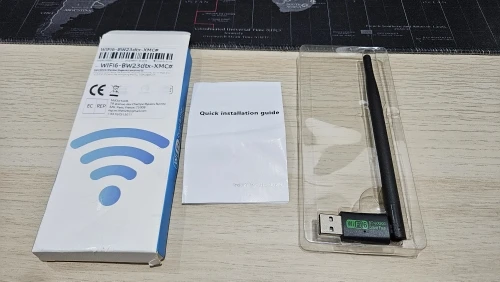
1x WIFI6 AX900 USB WiFi Bluetooth Wireless Adapter
Warm Tips:
1.We provide 2 Modle of AX900 USB WiFi Bluetooth Wireless Adapter, "BW22" and "BW23", They have the same function, just different appearance. The please choose to purchase according to your needs,We will send according to the option picture you purchased, thank you!
2.We suggest you to insert WiFi USB Adapter into back USB port of your Computer,because usb port in the back can provide more power,The wifi wireless effect is more stable.
Fast Installation Guide:
1. Plug the WIFI adapter into the computer USB port;
2. Open "This PC" or "My Computer"(The folder will usually pop up automatically);
3. Double-click to open [wifi-drive]/[U-Disk](The name depends on your computer);
4. Click [Install] to automatically install the driver. After the driver is installed, the interface will automatically disappear;
5. Click the "WIFI logo" in the lower right corner of the [Task Bar], select Connect to WIFI, click Connect, Enter password, and you can use it.
●Supported operating systems: Only Windows10/11(Not supported on other systems).
●Since the WIFI adapter itself does not have a soft AP launch driver, the "WIFI hotspot function" needs to be used with third-party applications Or the computer system comes with "Hotspot driver", such as 360, WIFI Sharing Master, and other APPs.
●If your computer does not recognize the inserted wifi adapter, please change the USB interface or restart the computer before inserting the WIFI adapter.
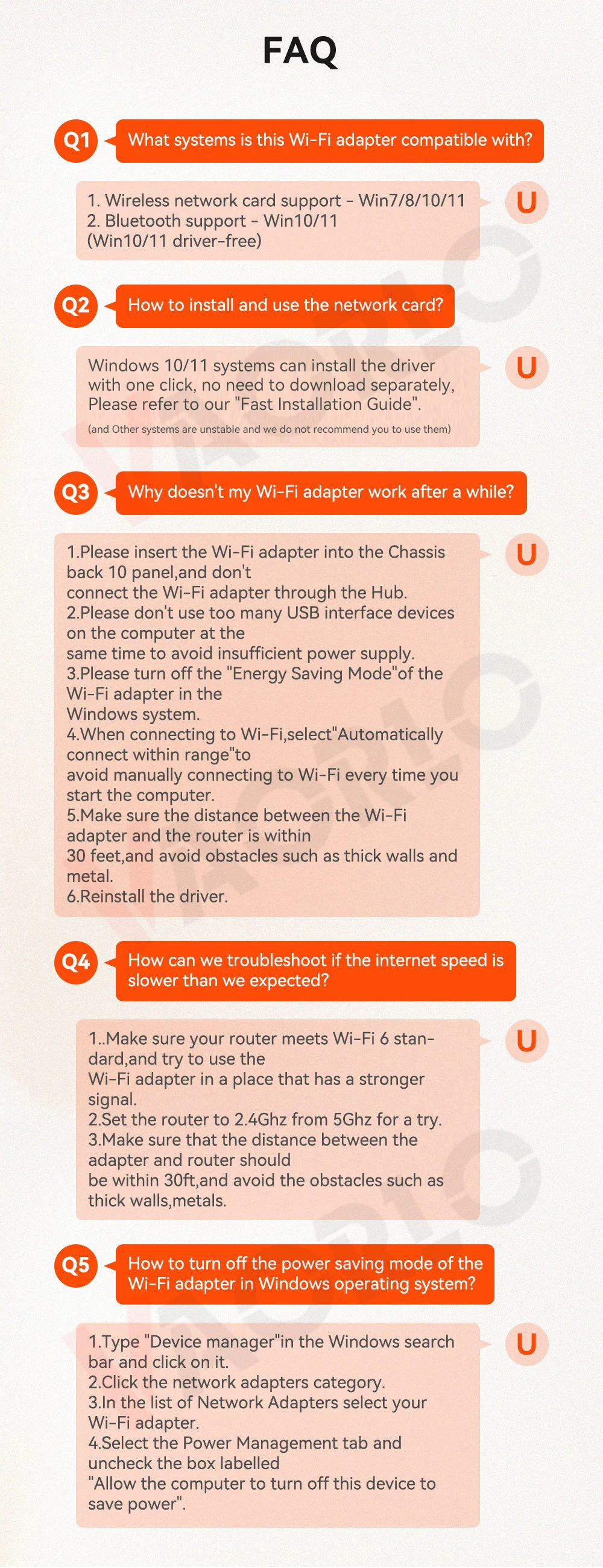
FAQ
Q1: What systems is this Wi-Fi adapter compatible with?
A1:
1) Wireless network card support-Win7/8/10/11
2) Bluetooth support-Win10/11(Win10/11 driver-free)
Q2: How to install and use the network card?
A2: Windows 10/11 systems can install the driver with one click, no need to download separately, Please refer to our "Fast Installation Guide".(and Other systems are unstable and we do not recommend you to use them)
Q3: Why doesn't my Wi-Fi adapter work after a while?
A3:
1)Please insert the Wi-Fi adapter into the Chassis back 10 panel,and don't connect the Wi-Fi adapter through the Hub.
2)Please don't use too many USB interface devices on the computer at the same time to avoid insufficient power supply.
3)Please turn off the “Energy Saving Mode”of the Wi-Fi adapter in the Windows system.
4)When connecting to Wi-Fi, select Automatically connect within range"to avoid manually connecting to Wi-Fi every time you start the computer.
5)Make sure the distance between the Wi-Fi adapter and the router is within 30 feet, and avoid obstaclessuch as thickwalls and metal.
6.Reinstall the driver.
Q4: How can we troubleshoot if the internet speed is slower than we expected?
A4:
1)Make sure your router meets Wi-Fi 6 standard,and try to use the Wi-Fi adapter in a place that has a stronger signal.
2)Set the router to 2.4Ghz from 5Ghz for a try.
3)Make sure that the distance between the adapter and router should be within 30ft, and avoid the obstacles such as thick walls,metals.
Q5: How to turn off the power saving mode of the Wi-Fi adapter in Windows operating system?
A5:
1)Type "Device manager" in the Windows search bar and click on it.
2)Click the network adapters category.
3)In the list of Network Adapters select your Wi-Fi adapter.
4)Select the Power Management tab and uncheck the box labelled "Allow the computer to turn off this device to save power".